Home / Put a person from one photo into another
Put a person from one photo into another
You have one photo of a person and another photo of a place or a group. You want them in the same picture. Upload both, say where the person should be, and look at a free preview.
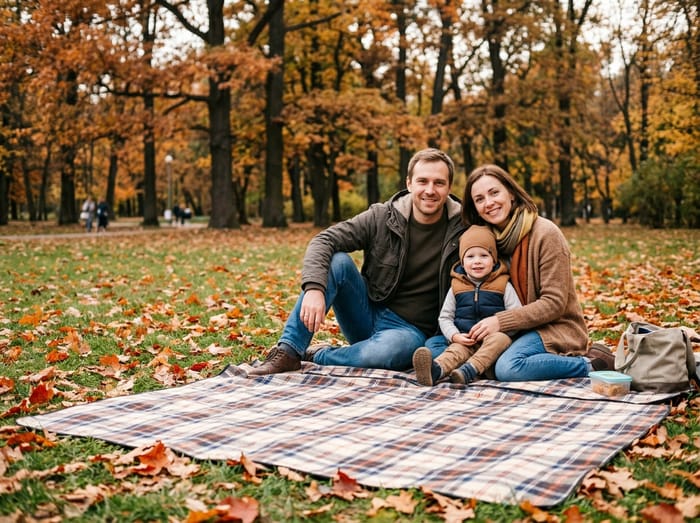 Family photo
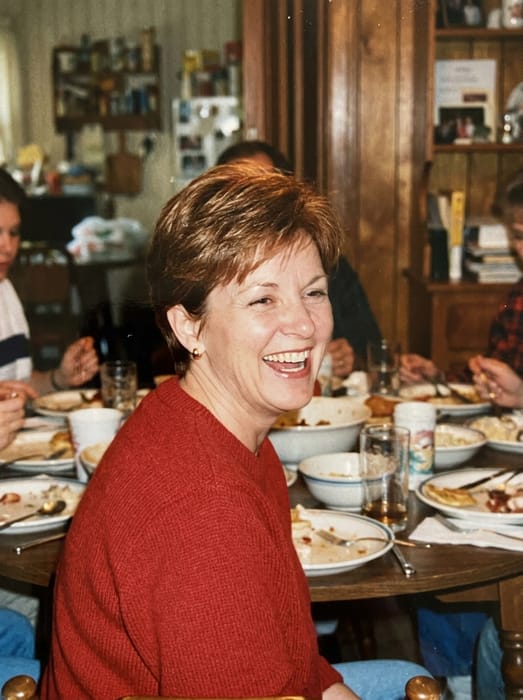 Mom
Mom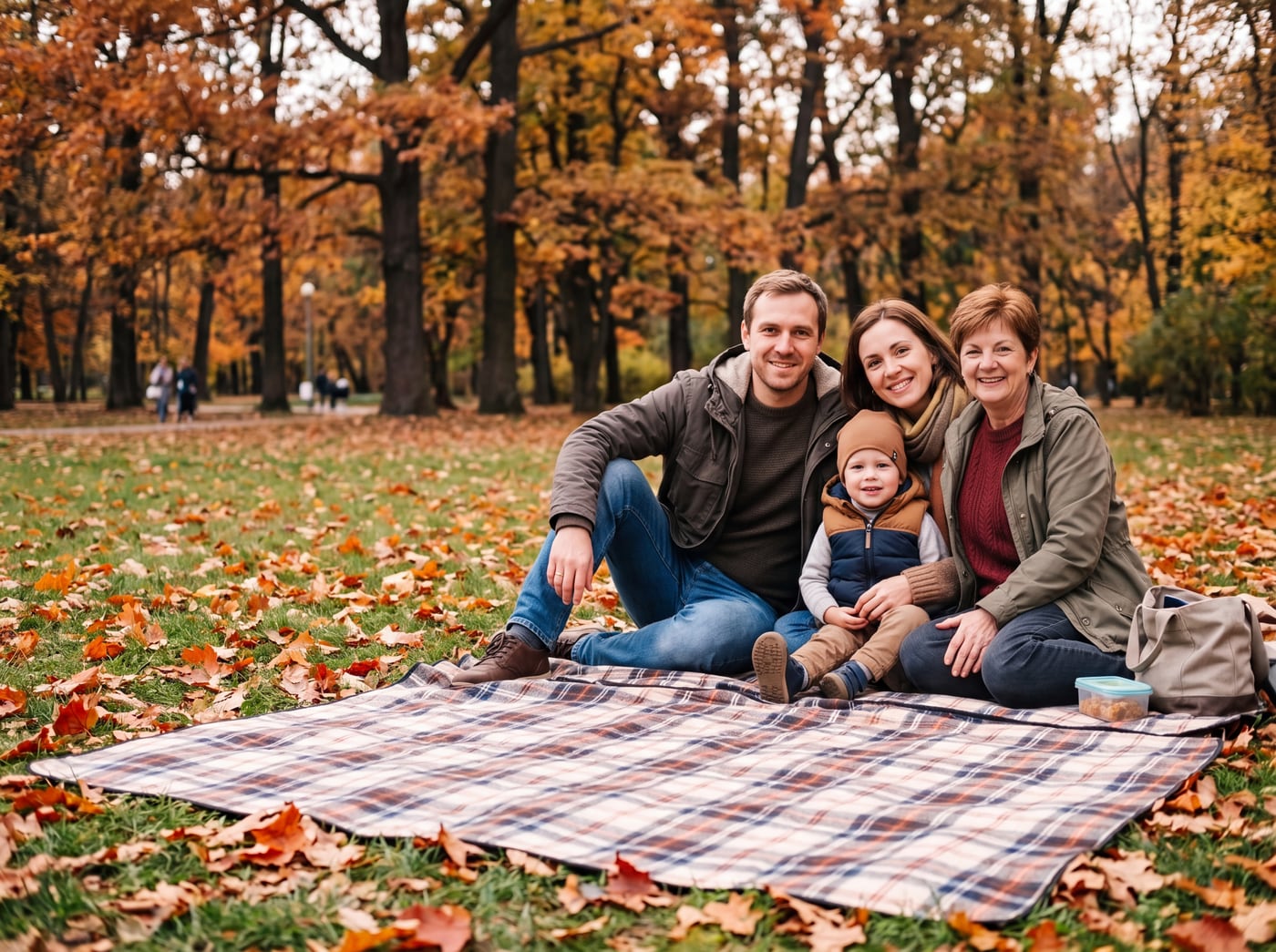 Finished picture
Try it free
The family photo
The picture you want them added to.
Photos of your loved one
A clear photo of their face. Two or three photos help.
Add a note (optional)
Anything that would help us get it right. You can leave this empty.
To see your preview, add: the family photo and photos of your loved one.
Free to try. You only pay if you want to keep the full-size picture.
How to move a person between photos
- Upload the photo you want to end up with, the scene or the group.
- Upload the photo of the person you want to bring in.
- Write where they should stand or sit.
- Look at the free preview. Change the sentence to adjust.
Why it does not look pasted on
A simple cut and paste keeps the old photo’s light and size, so it looks wrong. Here the person is placed into the new scene, with the light and size matched to the people already there.
Their old photo can have a different background. Only the person is used.
Good uses
- A relative who could not be at the event.
- A friend who missed the group shot.
- A pet or a child who was out of the picture.
- Someone who has passed away, in a family photo.
Photo tips
- For the person you are adding, pick a photo where their face is clear and well lit. Looking toward the camera works best.
- Two or three photos of them from different days help the picture look more like them.
- Old, faded or black-and-white photos are fine. The finished picture is in colour to match your photo.
- For the main photo, leave a little room where they would naturally stand or sit.
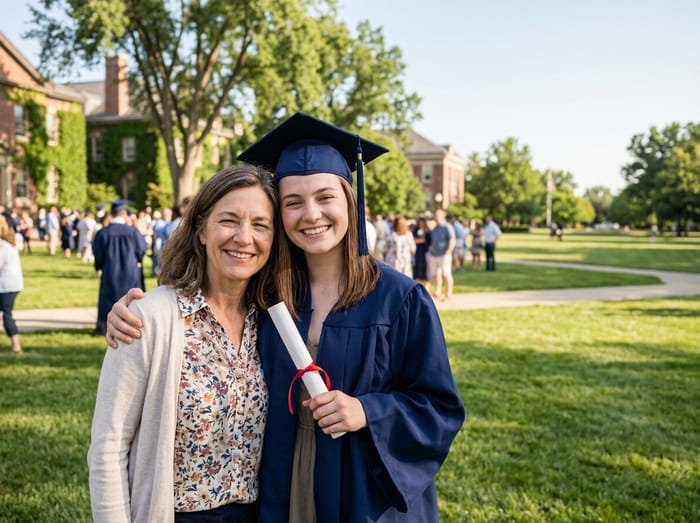 Graduation photo
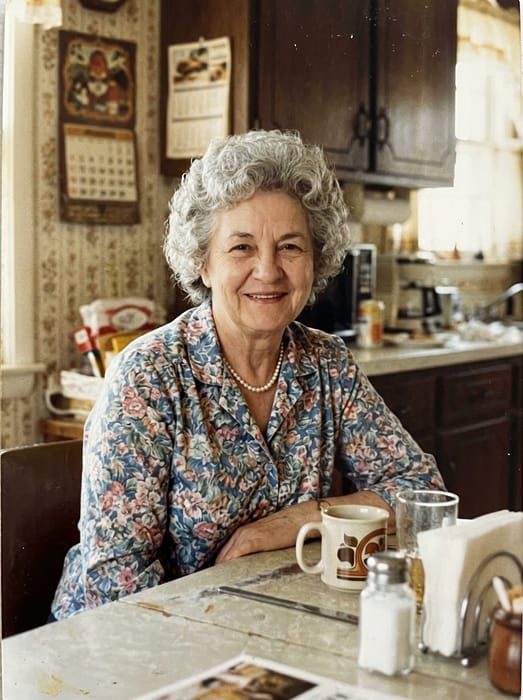 Grandma
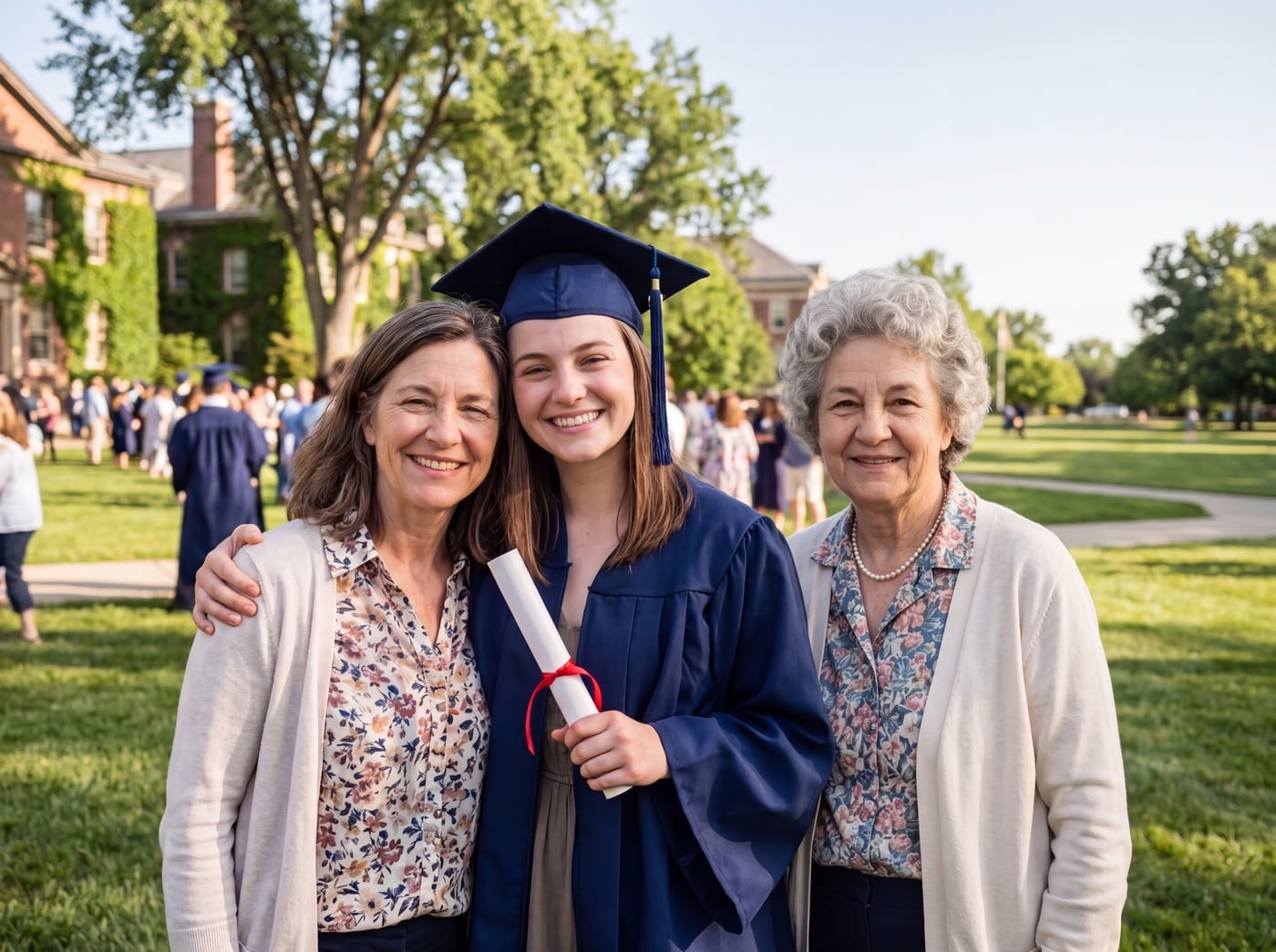 Finished picture
Questions
Can the two photos be from different years?
Yes. They can be from different days, places and cameras. Use a clear, well-lit photo of the person.
Will it keep the person’s face the same?
It uses the photos you give it to keep them looking like themselves. A clearer photo gives a closer likeness.
What if I want to combine two photos side by side instead?
Our merge page covers that. This page places one person into the other scene.
How much does it cost?
Previews are free. The clean full-size picture costs from $6.99.