Home / Add a person to a group photo
Add a person to a group photo
Someone was sick that day, ran late, or lives too far away to come. Upload the group photo and a picture of the person who missed it, and see them standing with everyone. The preview is free.
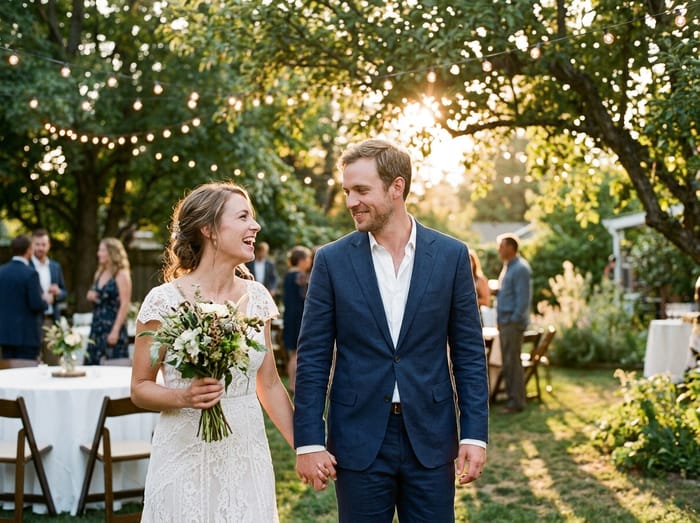 Wedding photo
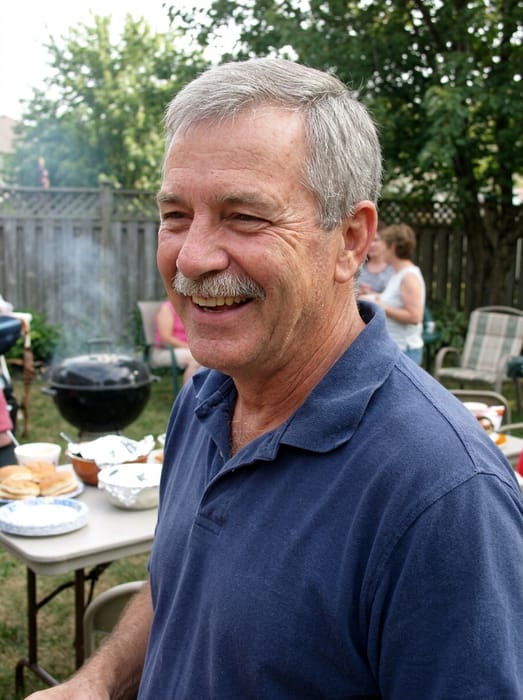 Dad
Dad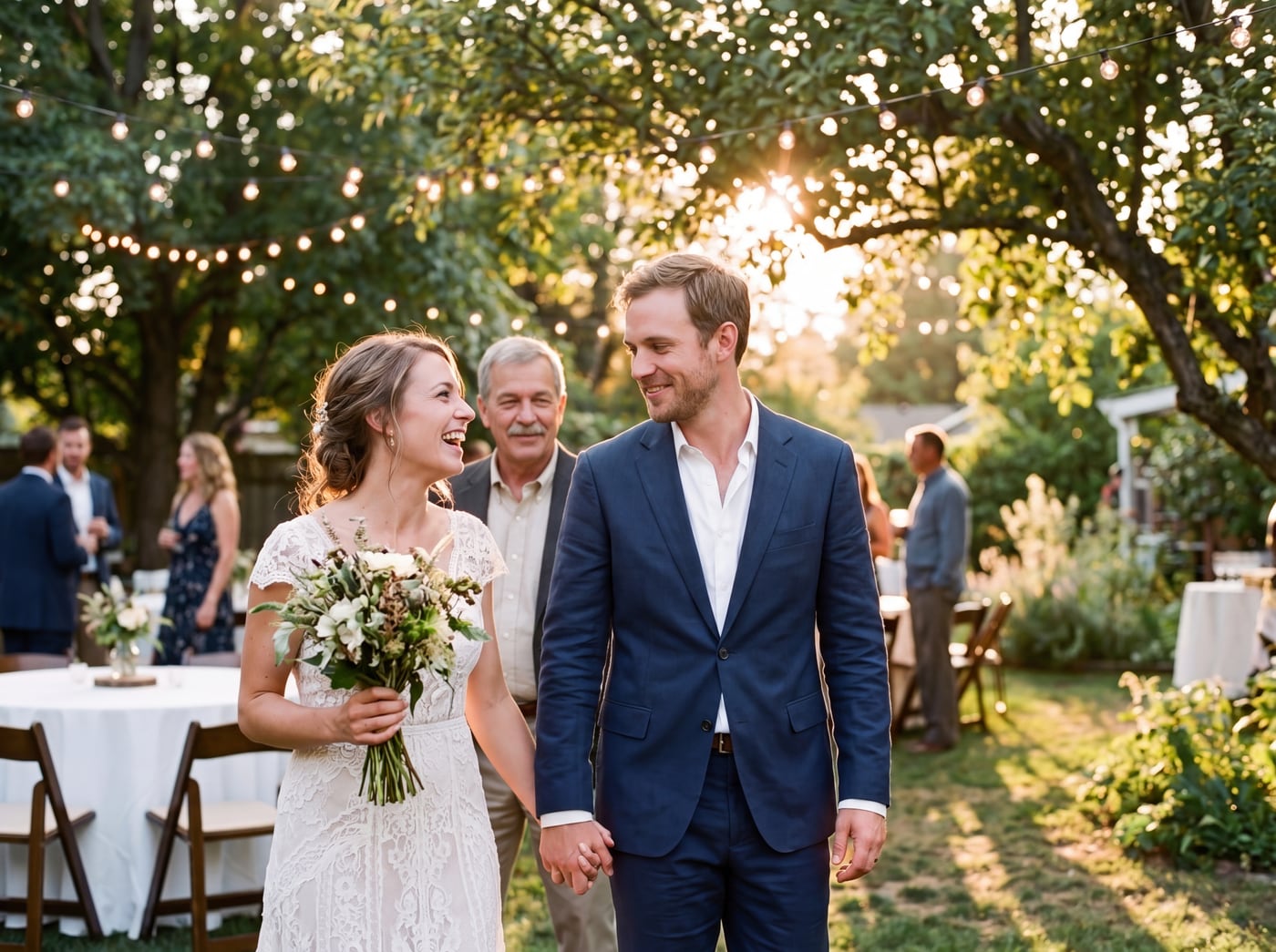 Finished picture
Try it free
The family photo
The picture you want them added to.
Photos of your loved one
A clear photo of their face. Two or three photos help.
Anything we should know?
You can leave this empty.
Free to try. You only pay if you want to keep the full-size picture.
How do I add someone to a group photo?
- Upload the group photo. A shot where everyone is standing in a row or a cluster works well.
- Add one to three photos of the person who is missing.
- Write where they should stand, like "at the end of the back row, next to Sam".
- Look at the free preview. If it is not right, change the note and try again.
Alive or passed away, it works the same
The friend who missed the team picture, the cousin overseas and the aunt who has passed away are all added the same way. You do not have to say which.
One person is added each time. If two people missed the shot, add the first, download that picture, then use it as your group photo and add the second. Everyone already in the photo stays as they are.
Photo tips
- For the person you are adding, pick a photo where their face is clear and well lit. Looking toward the camera works best.
- Two or three photos of them from different days help the picture look more like them.
- Old, faded or black-and-white photos are fine. The finished picture is in colour to match your family photo.
- For the family photo, leave a little room where they would naturally stand or sit.
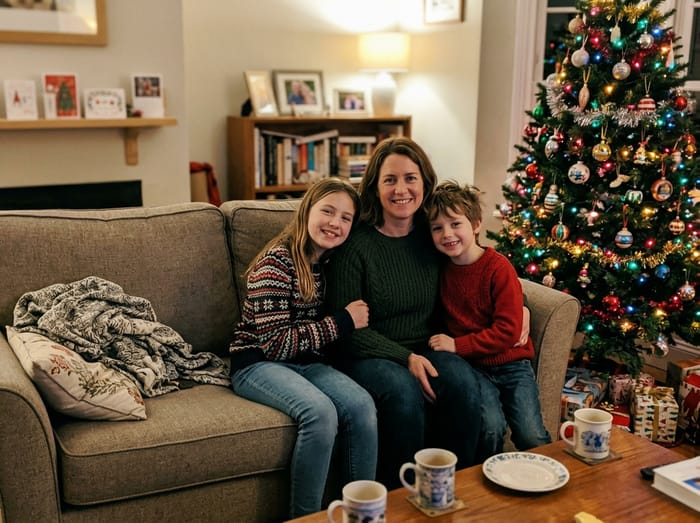 Christmas photo
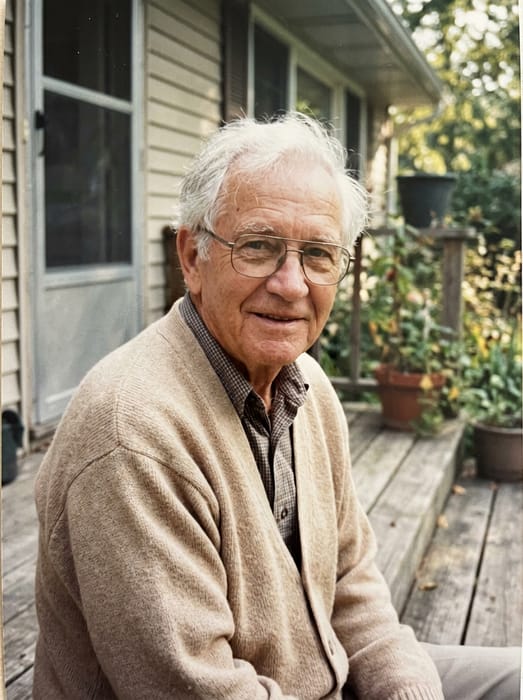 Grandpa
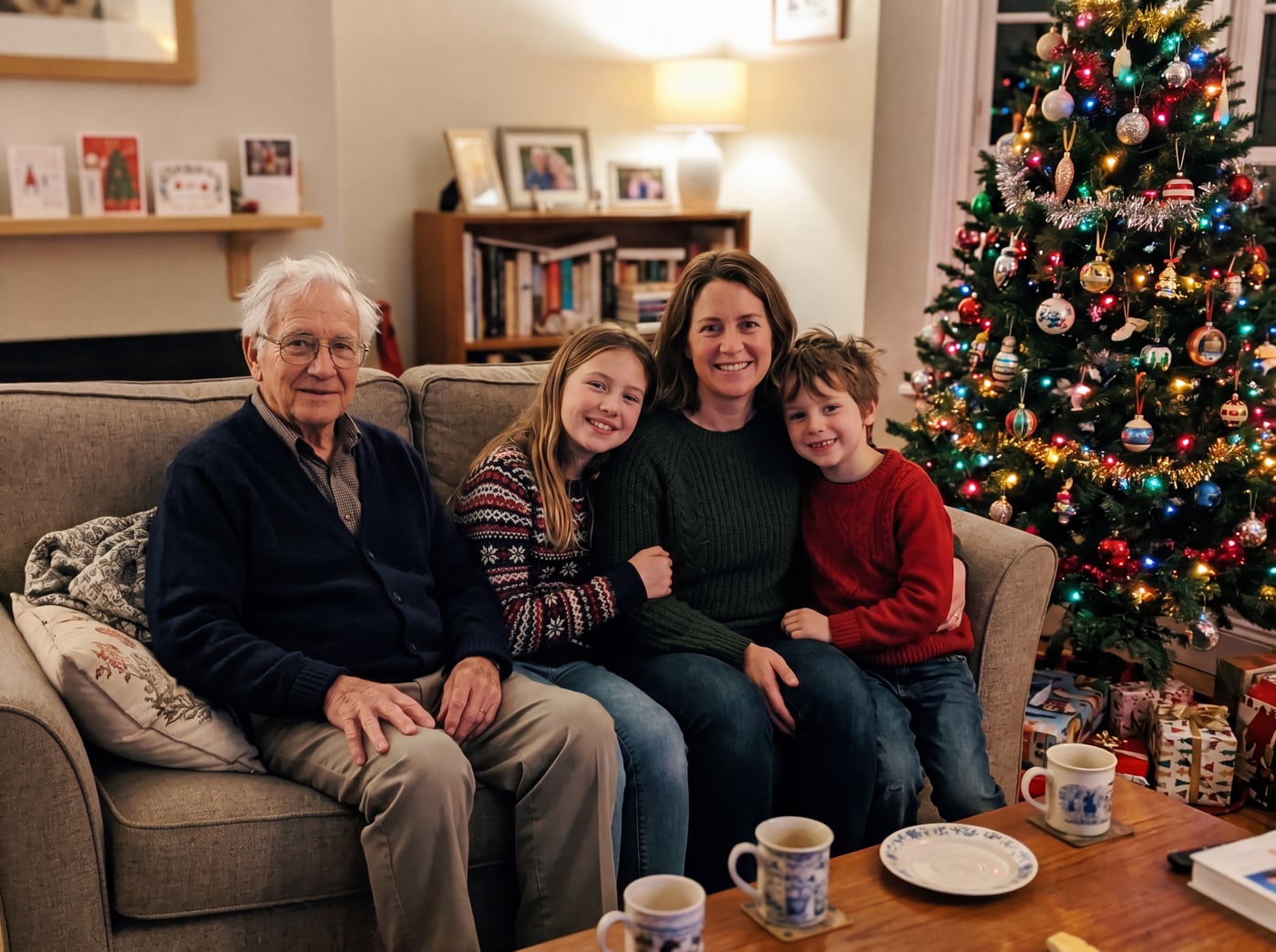 Finished picture
Questions
What if two people missed the group shot?
Run it twice. Add the first person, keep that picture, then use it as the group photo and add the second person.
Can I use a selfie of the person I am adding?
Yes, if their face is clear and not too small. Two or three photos of them help the likeness more than one.
Will the people in my group photo look different?
No. Their faces, clothes and poses are not changed. Only the one person you chose is new.