Home / Merge family photos into one memorial picture
Merge family photos into one memorial picture
You have pictures of each person, but never all together. Upload them and we merge them into a single new photo where everyone sits close. It is a new photograph, not a collage of cut-out faces.
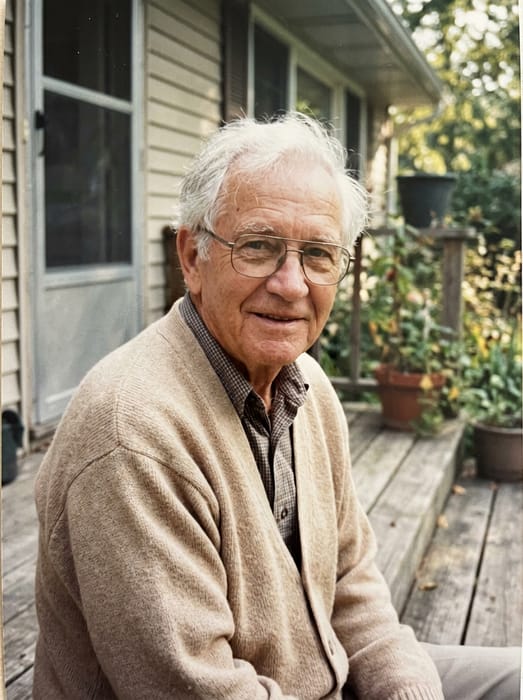 Grandpa
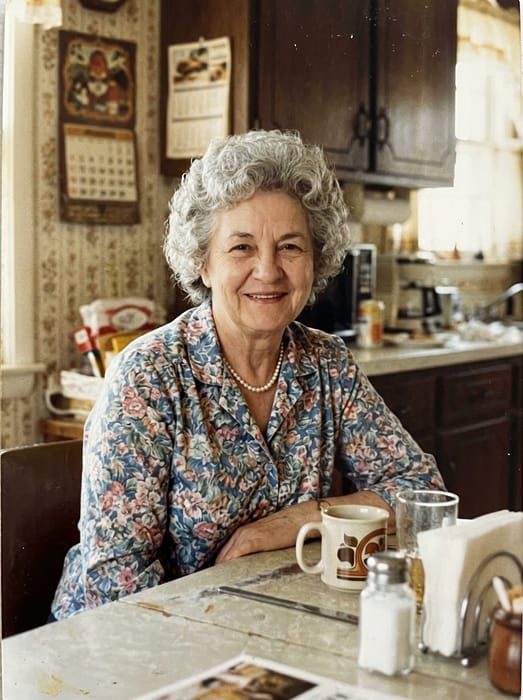 Grandma
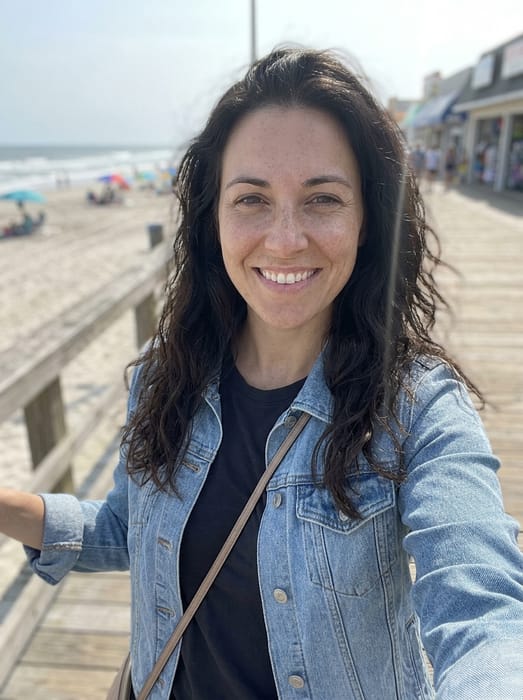 Granddaughter
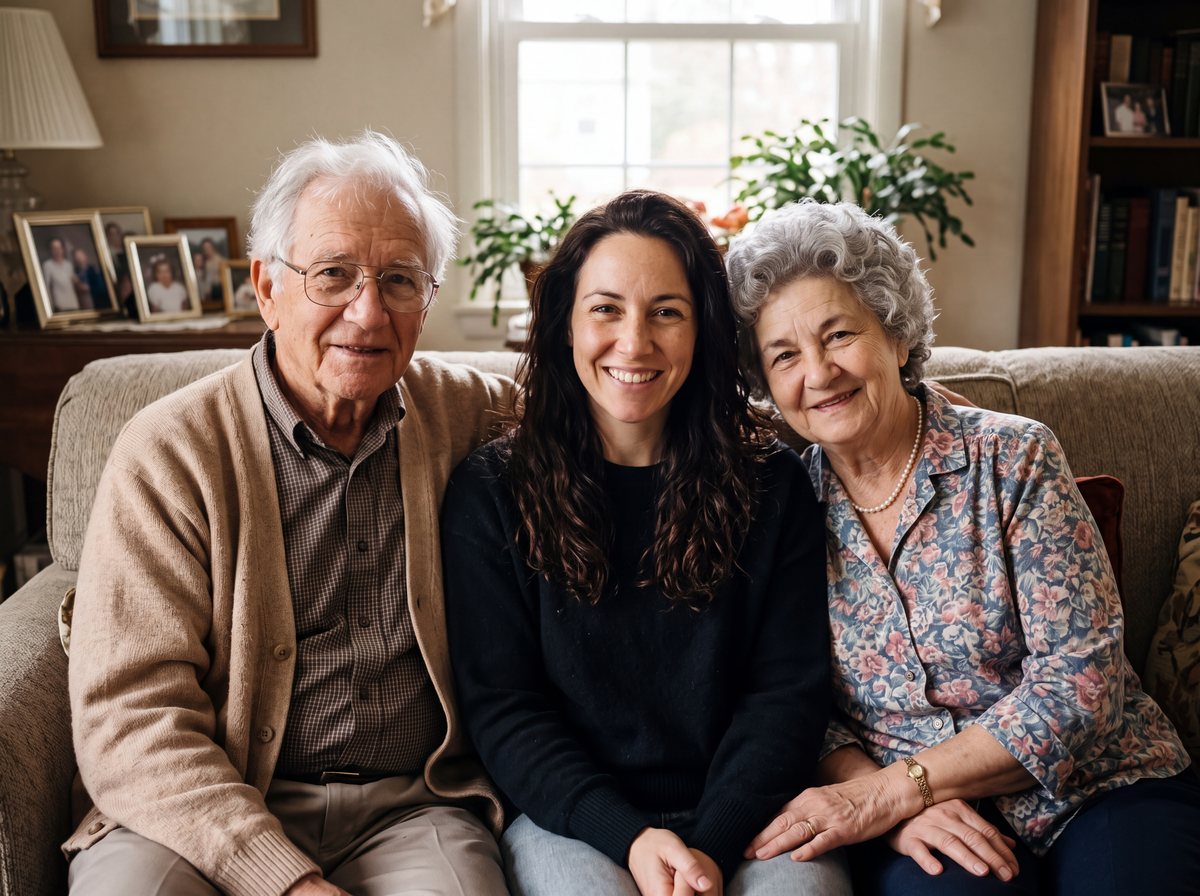 Finished picture
Try it free
1
One photo of each person
Two to five people or pets, one clear photo each.
2
Pick a setting
Optional. Leave it on the first one for a plain photo.
3
Anything we should know?
You can leave this empty.
Free to try. You only pay if you want to keep the full-size picture.
Merge or add: which one do you want?
- Merge: you have one photo of each person and want one new picture of them together. Use this page.
- Add: you already have a family photo and want one more person in it. Use the add option instead.
How to merge the photos
- Upload one clear photo of each person. Two to five in all.
- The "Grandparents" setting is picked: everyone close together on a sofa at home. Change it with a note if you prefer.
- See your free preview.
- Keep the full-size picture from $6.99 if you like it.
Photo tips
- Use one clear photo of each person, with the face easy to see. Crop other people out first.
- A photo where they look toward the camera gives the closest likeness.
- Old prints are fine. Photograph them with your phone in good light.
GrandpaGrandmaGranddaughter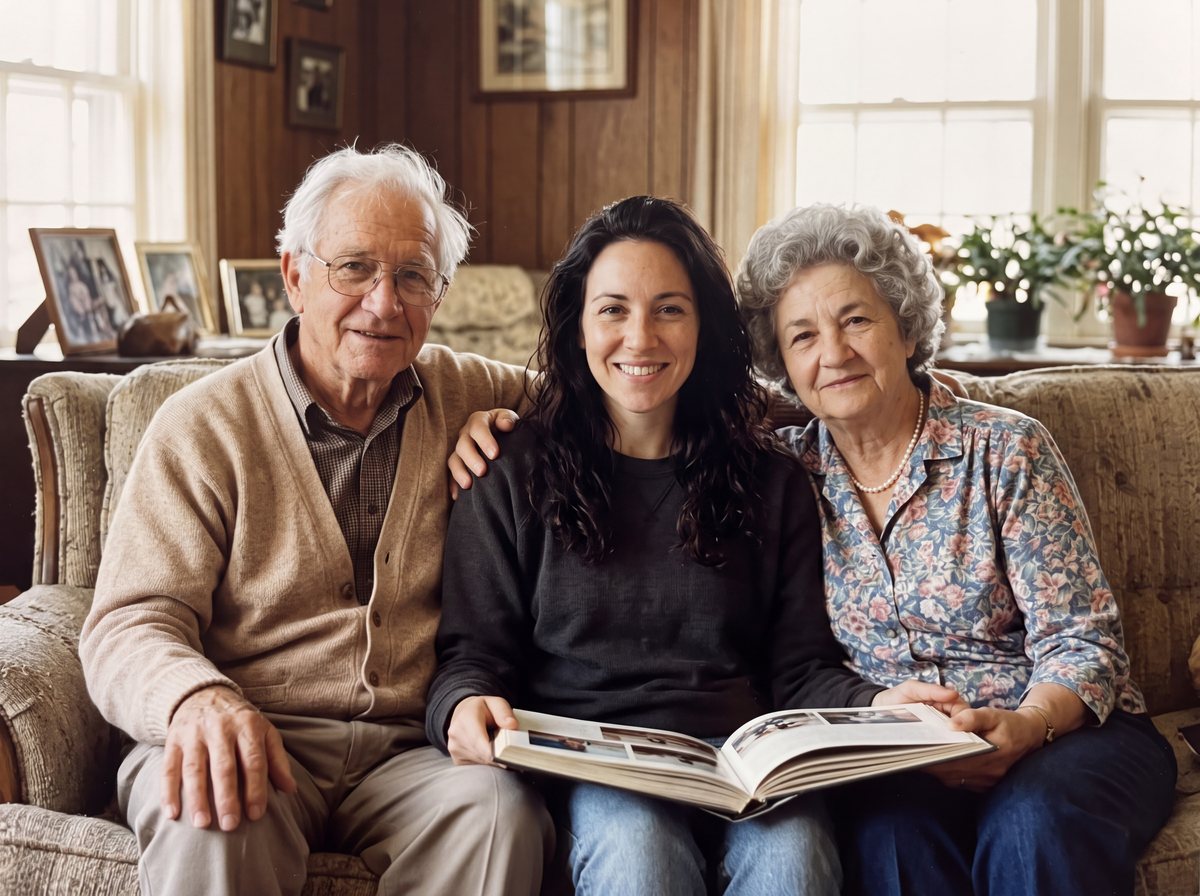 Finished picture
Questions
Is this a collage?
No. It is one new photograph with everyone posed together in the same light.
Can I choose the setting?
Yes. Add a short note, for example "in the garden" or "at the beach".
What if I already have a family photo?
Use the add option. Upload that photo first, then the person you want added.