Home / Combine photos of loved ones into one picture
Combine photos of loved ones into one picture
You have a good photo of each of them, but never one of them together. Upload one photo of each person and get a single new picture of them side by side. The preview is free.
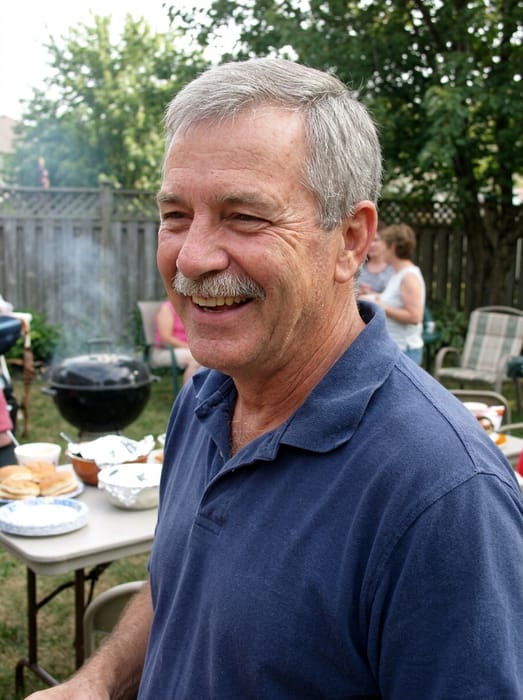 Dad
Dad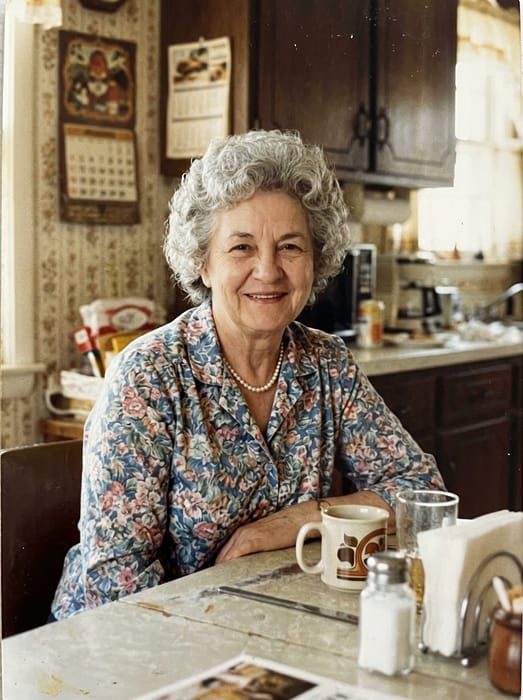 Grandma
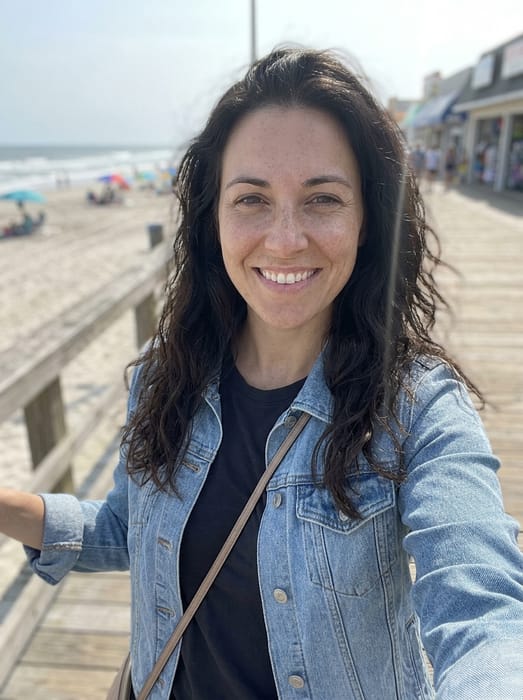 Daughter
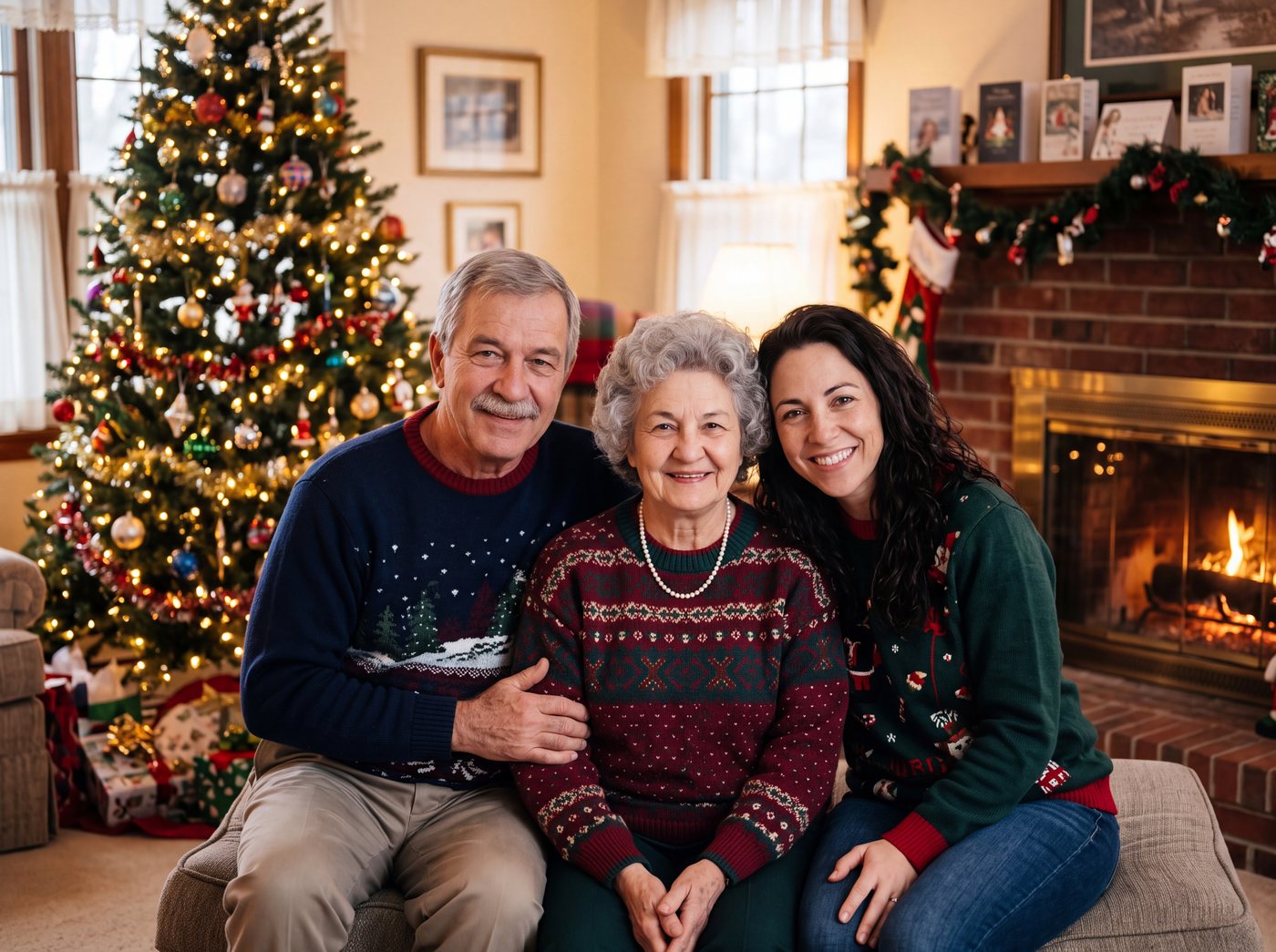 Finished picture
Try it free
One photo of each person
Two to five people or pets, one clear photo each.
Pick a setting
Optional. Leave it on the first one for a plain photo.
Anything we should know?
You can leave this empty.
Free to try. You only pay if you want to keep the full-size picture.
How do I merge two photos into one picture?
- Pick the two people you want together, and upload one clear photo of each.
- Optional: tell us the setting or clothes, like "on a porch swing" or "both in blue".
- See your preview, then download the full-size picture if you want to keep it.
Pairs people ask for
- A husband and wife who never had a photo together
- A parent and the child they lost, or the child who grew up far away
- Two sisters or two brothers
- A grandparent and a grandchild who never met
Photo tips
- Use one photo per person, with the face clear and not too small.
- The photos can come from different years. Each person looks the age they are in their photo.
- The examples above show three people. Two people work the same way, and you can add up to five.
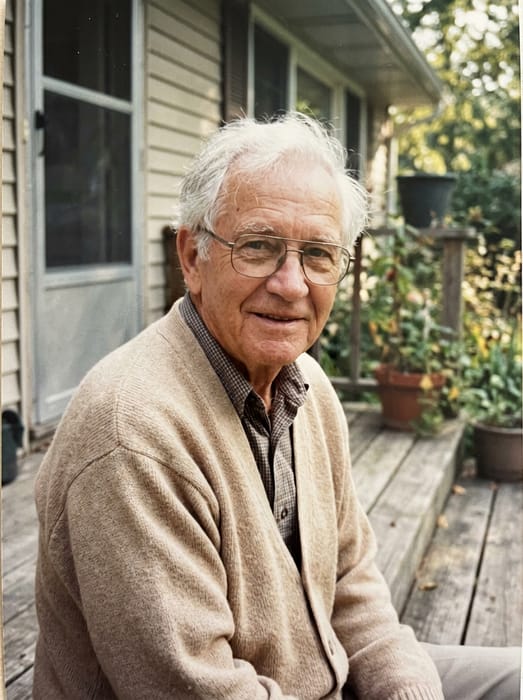 GrandpaGrandmaDad
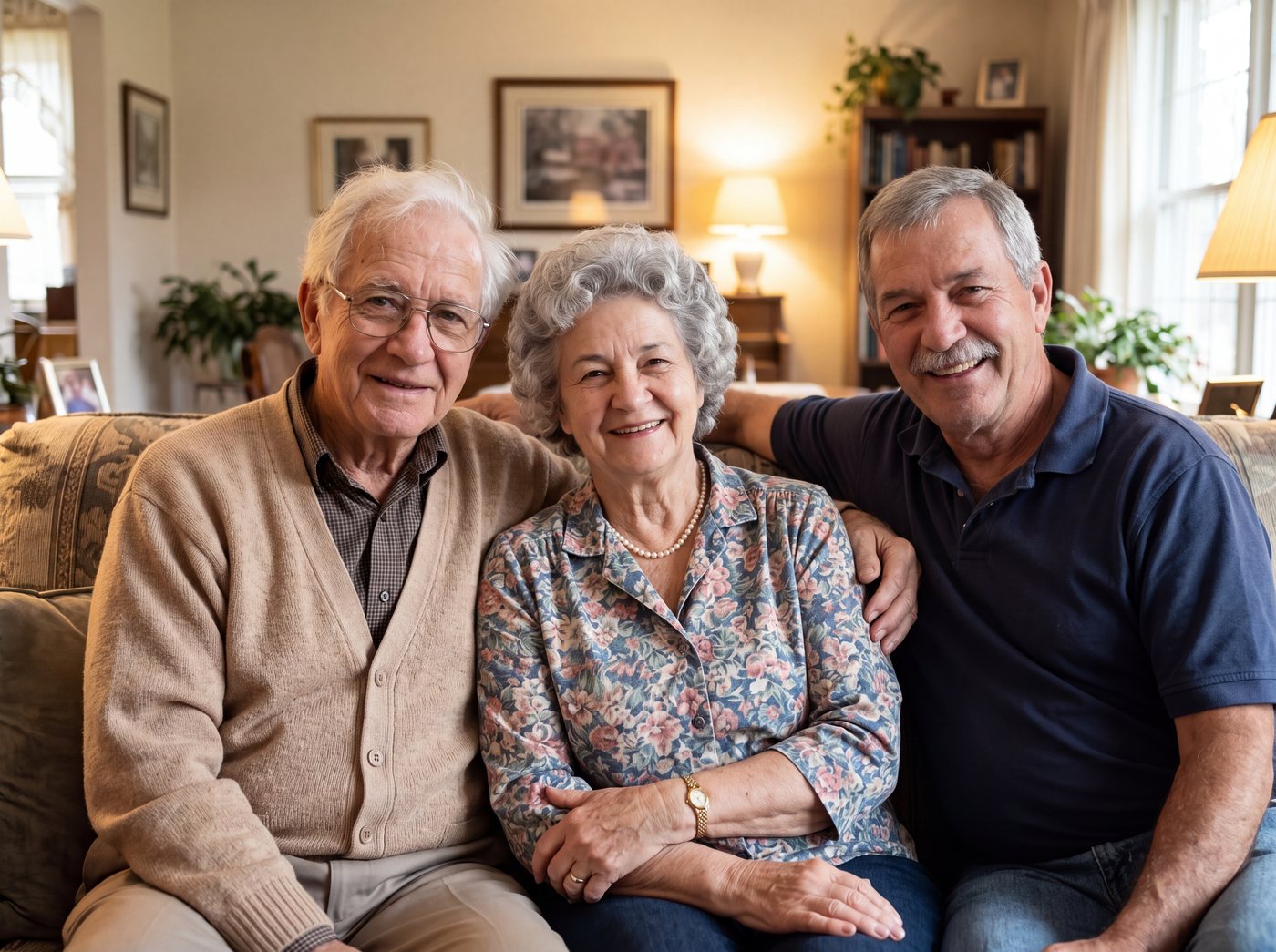 Finished picture
Questions
Can I make a portrait of a couple who never met?
Yes. Upload one photo of each, and the new picture puts them side by side. Two to five people or pets can go into one picture. Two is the simplest place to start.
Do I need a photo where they are already together?
No. That is the point. Each person only needs a photo of their own, and the new picture puts them together.
Will they look like themselves?
Yes. Their face, hair and smile come from the photo you give us. A clear, well-lit photo gives the closest likeness.