Home / Add a person to a photo without Photoshop
Add a person to a photo without Photoshop
Photoshop can do this, but it takes an hour, layers and practice. Here you upload two photos and write one sentence. You see a free preview in about a minute.
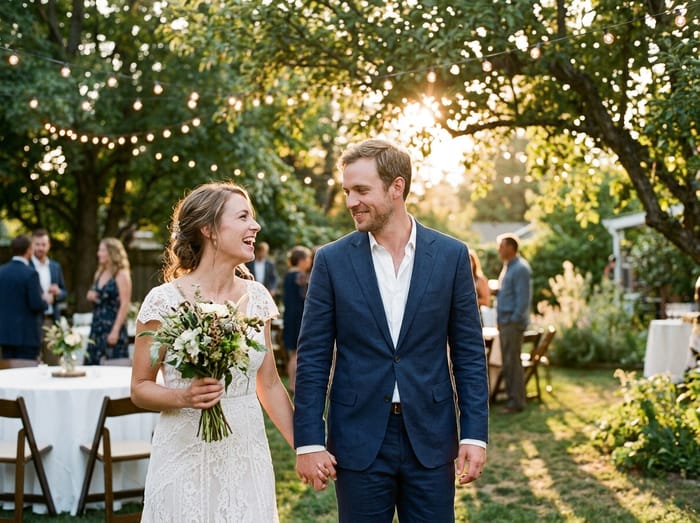 Wedding photo
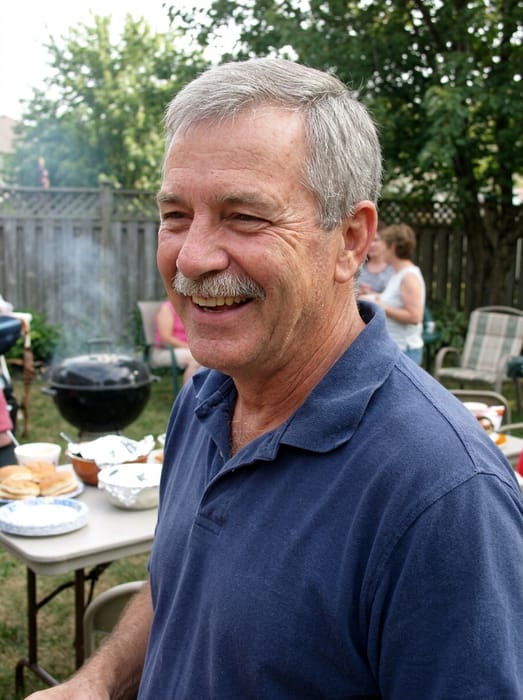 Dad
Dad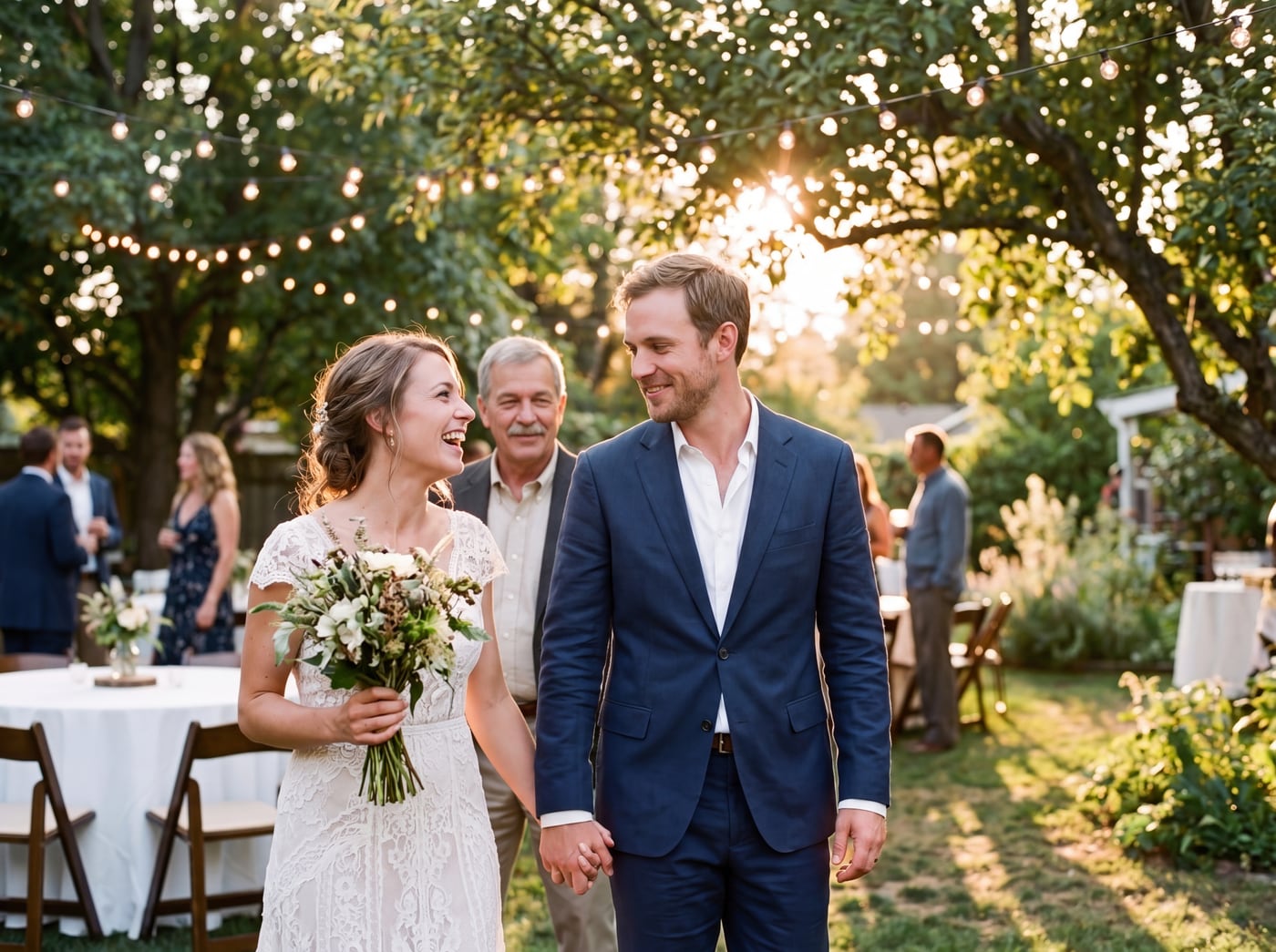 Finished picture
Try it free
The family photo
The picture you want them added to.
Photos of your loved one
A clear photo of their face. Two or three photos help.
Add a note (optional)
Anything that would help us get it right. You can leave this empty.
To see your preview, add: the family photo and photos of your loved one.
Free to try. You only pay if you want to keep the full-size picture.
What Photoshop makes you do
- Cut the person out cleanly, including hair.
- Resize and place them so they fit the scene.
- Match the light, colour and shadows by hand.
- Blend the edges so it does not look pasted on.
What you do here instead
- Upload the photo you want them added to.
- Upload one to three photos of the person.
- Write where they should stand.
- Look at the free preview.
What you give up
You cannot fine tune single pixels the way you can in an editor. If you need that level of control, a professional retoucher or Photoshop is the right tool. For most family photos, the preview is close enough to keep.
Photo tips
- For the person you are adding, pick a photo where their face is clear and well lit. Looking toward the camera works best.
- Two or three photos of them from different days help the picture look more like them.
- Old, faded or black-and-white photos are fine. The finished picture is in colour to match your photo.
- For the main photo, leave a little room where they would naturally stand or sit.
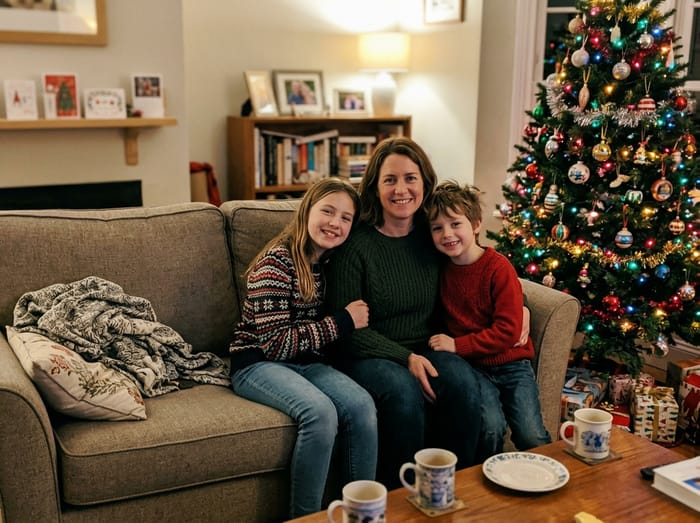 Christmas photo
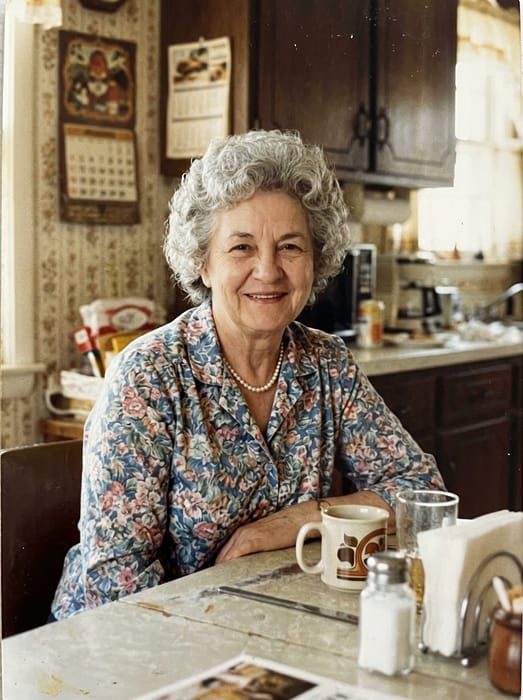 Grandma
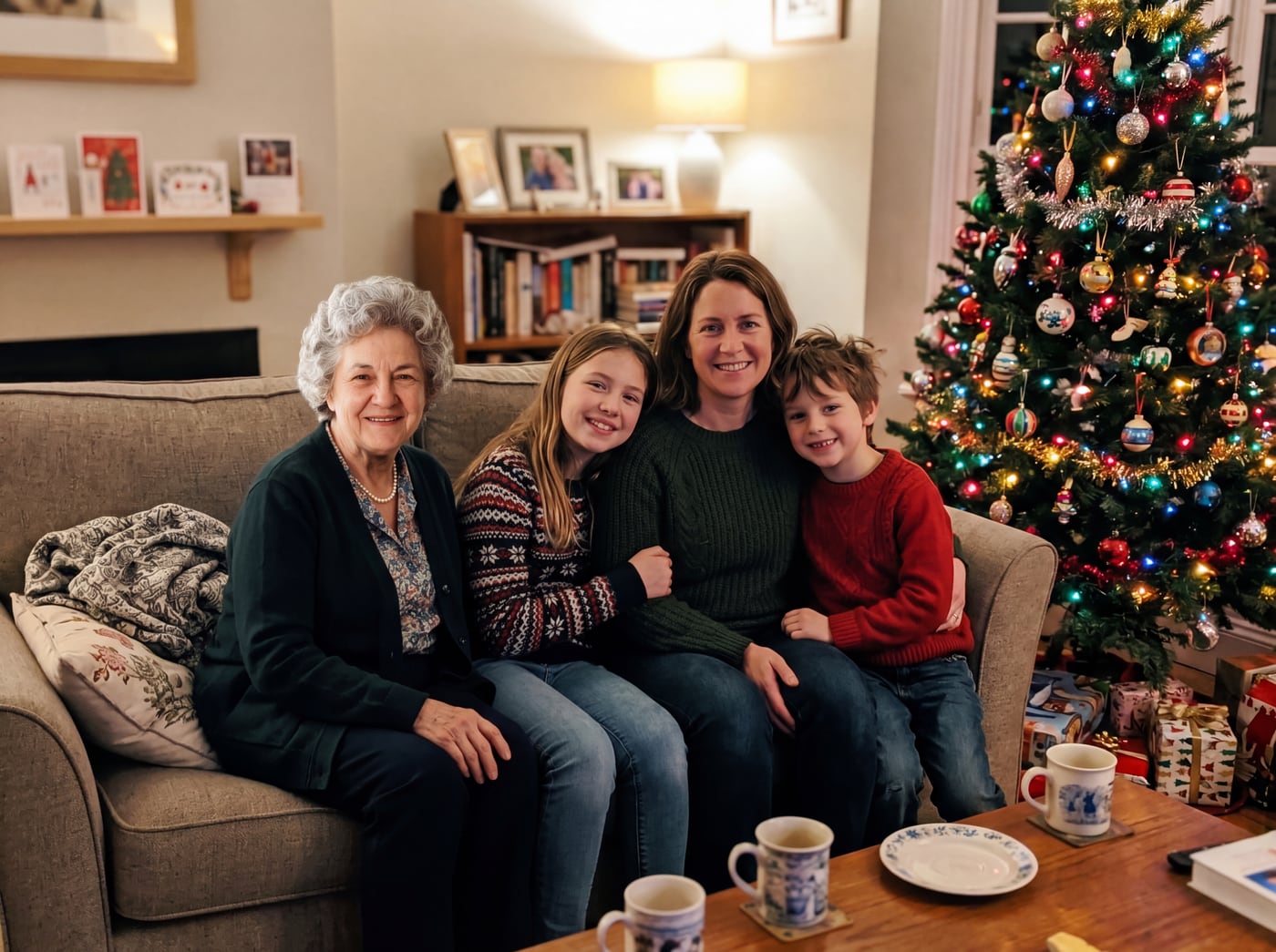 Finished picture
Questions
Do I need any editing skills?
No. You upload two photos and write one sentence.
How long does it take?
About a minute for a preview.
Can I ask for changes?
Yes. Change your sentence and run it again. Previews are free.
Does it cost anything?
The preview is free. The clean, full-size picture costs from $6.99.