Home / How to make a photo with someone who passed away
How to make a photo with someone who passed away
You do not need any editing skills. You need one photo to put them in, and one to three pictures of them. This page walks you through it, start to finish.
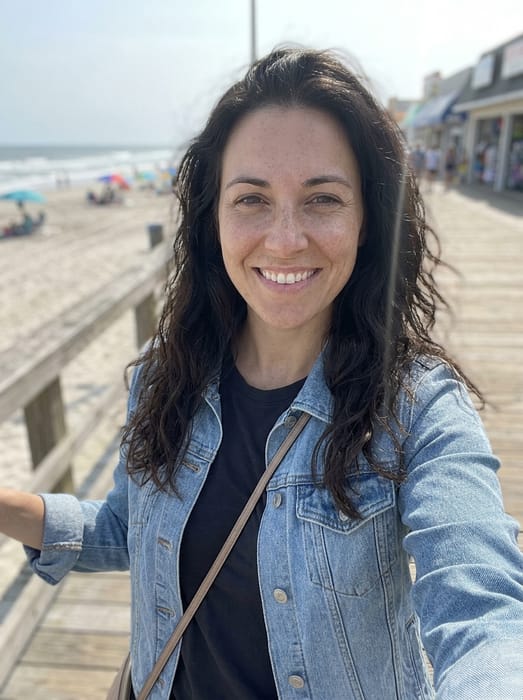 Her selfie
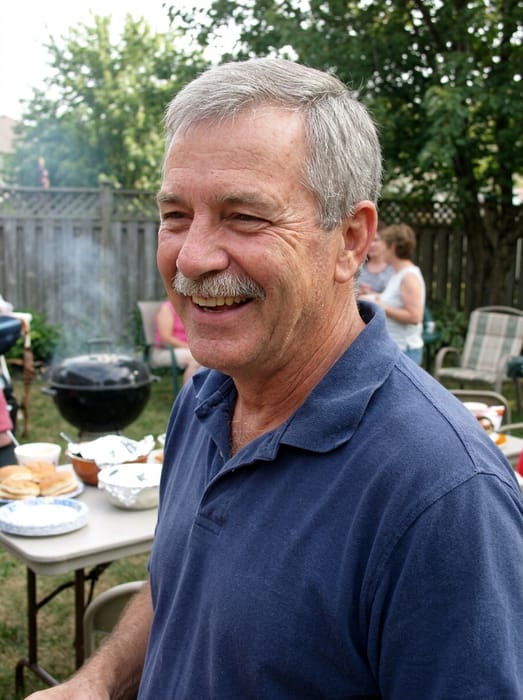 Dad
Dad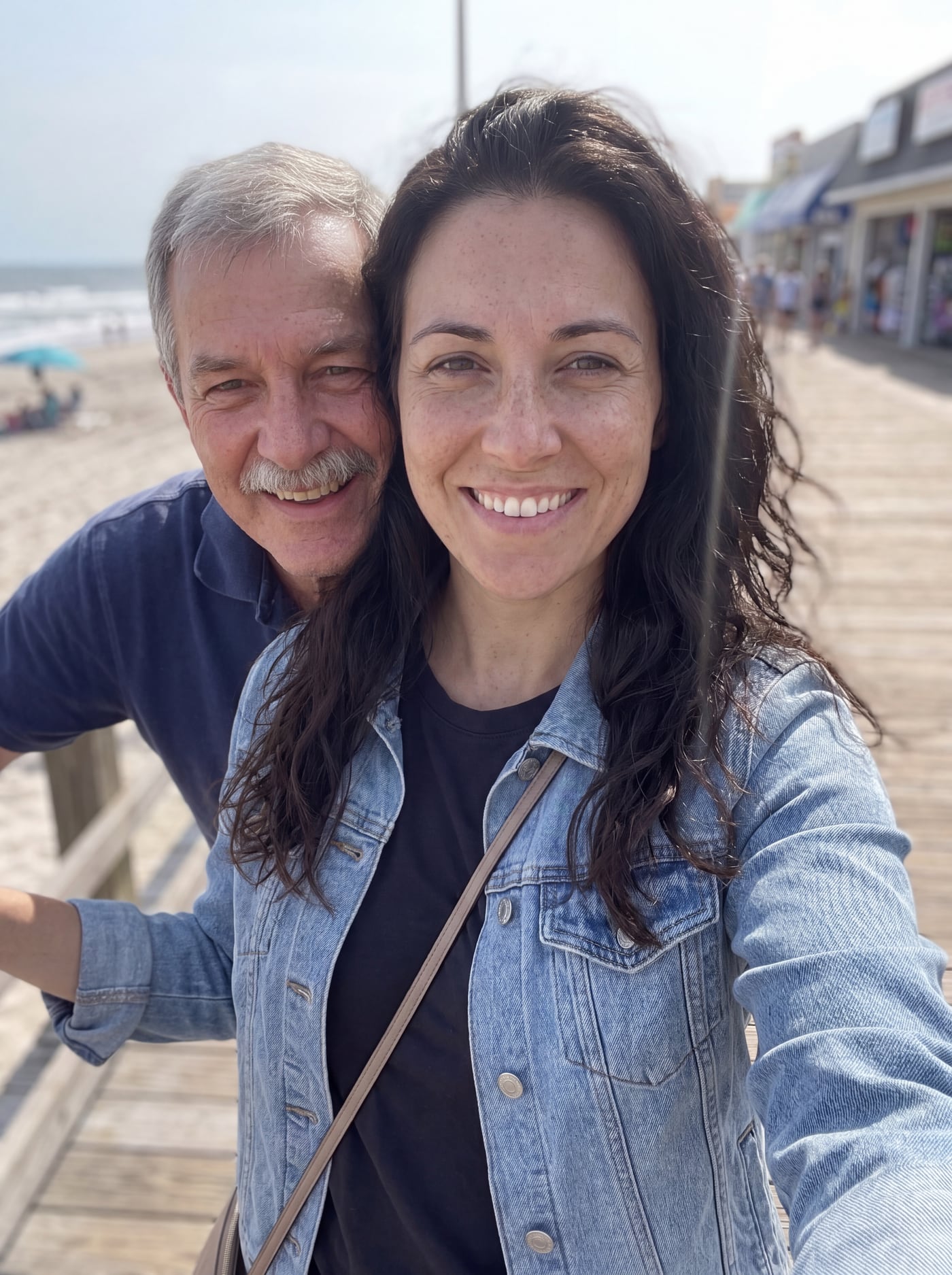 Finished picture
Try it free
The family photo
The picture you want them added to.
Photos of your loved one
A clear photo of their face. Two or three photos help.
Anything we should know?
You can leave this empty.
Free to try. You only pay if you want to keep the full-size picture.
How do I make a picture with a deceased loved one?
- Pick the photo you want them in. A family photo, a selfie of you, or a photo of an event all work.
- Add one to three clear photos of them. Everyday snapshots are fine.
- Write a short note about where they should be, such as "sitting next to me, arm around my shoulder".
- Wait about a minute for your free preview. Not right? Change the note or the photo and try again.
- When you like it, keep the full-size picture. It costs from $6.99 and prints well at 8x10.
Choosing the right photo to start from
A photo where you are alone works well if you want a picture of just the two of you. A group photo works if you want them with the whole family.
A photo of you or the family from after they passed is an easy place to start. You can also use a photo from a day you wish they had shared.
Photo tips
- For the person you are adding, pick a photo where their face is clear and well lit. Looking toward the camera works best.
- Two or three photos of them from different days help the picture look more like them.
- Old, faded or black-and-white photos are fine. The finished picture is in colour to match your family photo.
- For the family photo, leave a little room where they would naturally stand or sit.
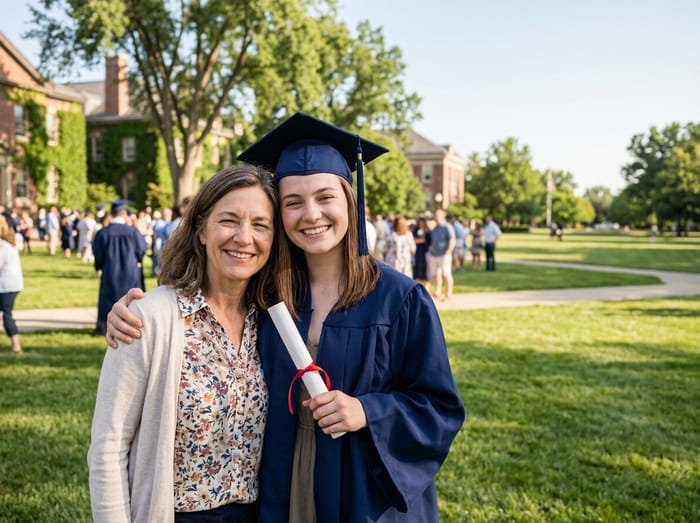 Graduation photo
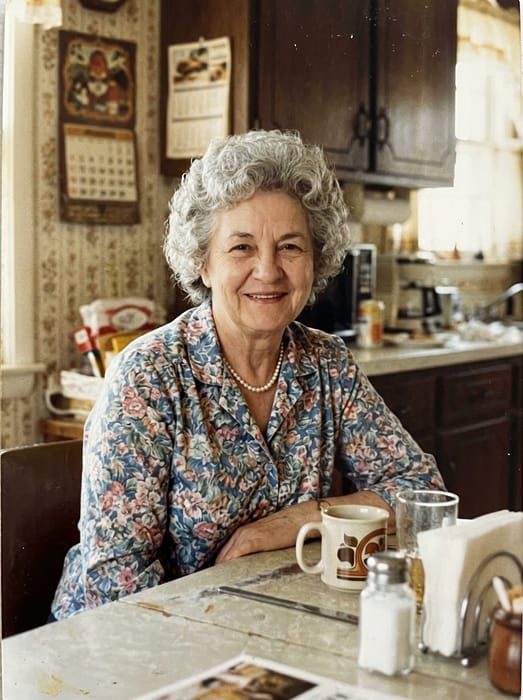 Grandma
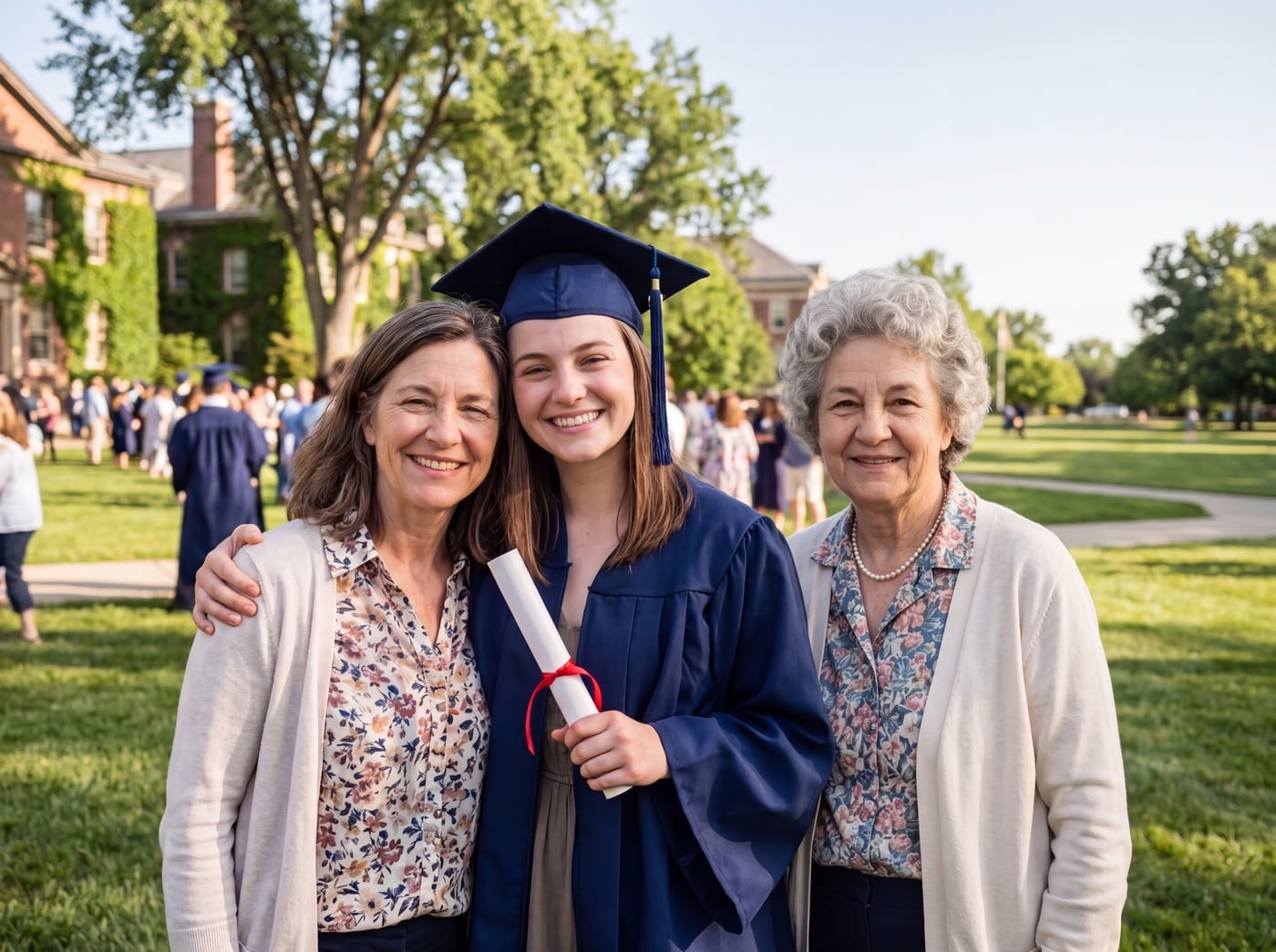 Finished picture
Questions
What if I only have one photo of them?
One clear photo of their face is enough to start. If the preview does not look quite like them, add a second or third photo from a different day.
Can I make a picture with two people who passed away?
One person per run. Save the first result and add the second person to it. Or use "Make a new family portrait" to bring separate photos together.
Will the picture look real?
It is made to look like an ordinary photograph, in the same light and colour as your photo. It does not add glow, wings or a faded effect.