Home / An app to add a person to a photo? You do not need one
An app to add a person to a photo? You do not need one
Most people search for an app, then find ones that ask for a subscription or a sign-up before showing anything. You can do the same job in your browser, with a free preview first and no install.
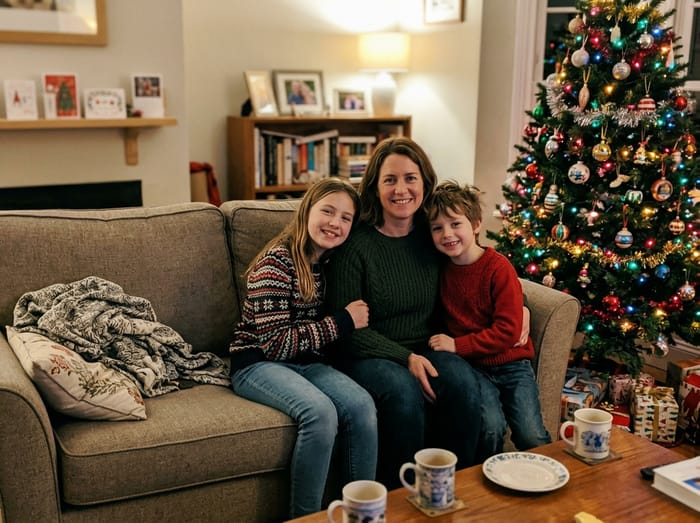 Christmas photo
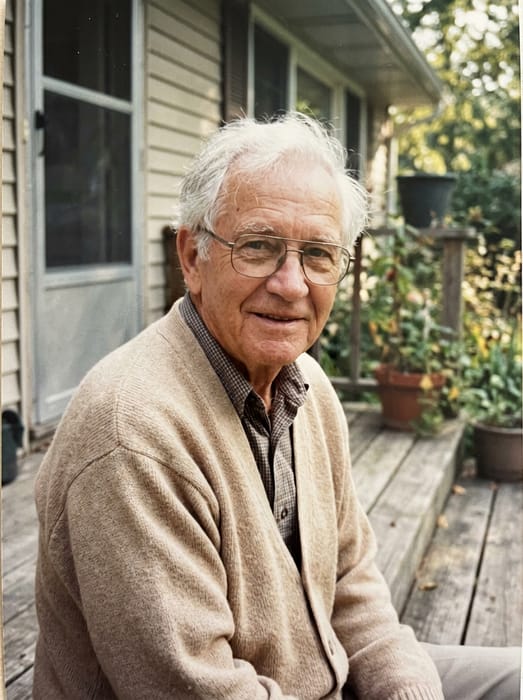 Grandpa
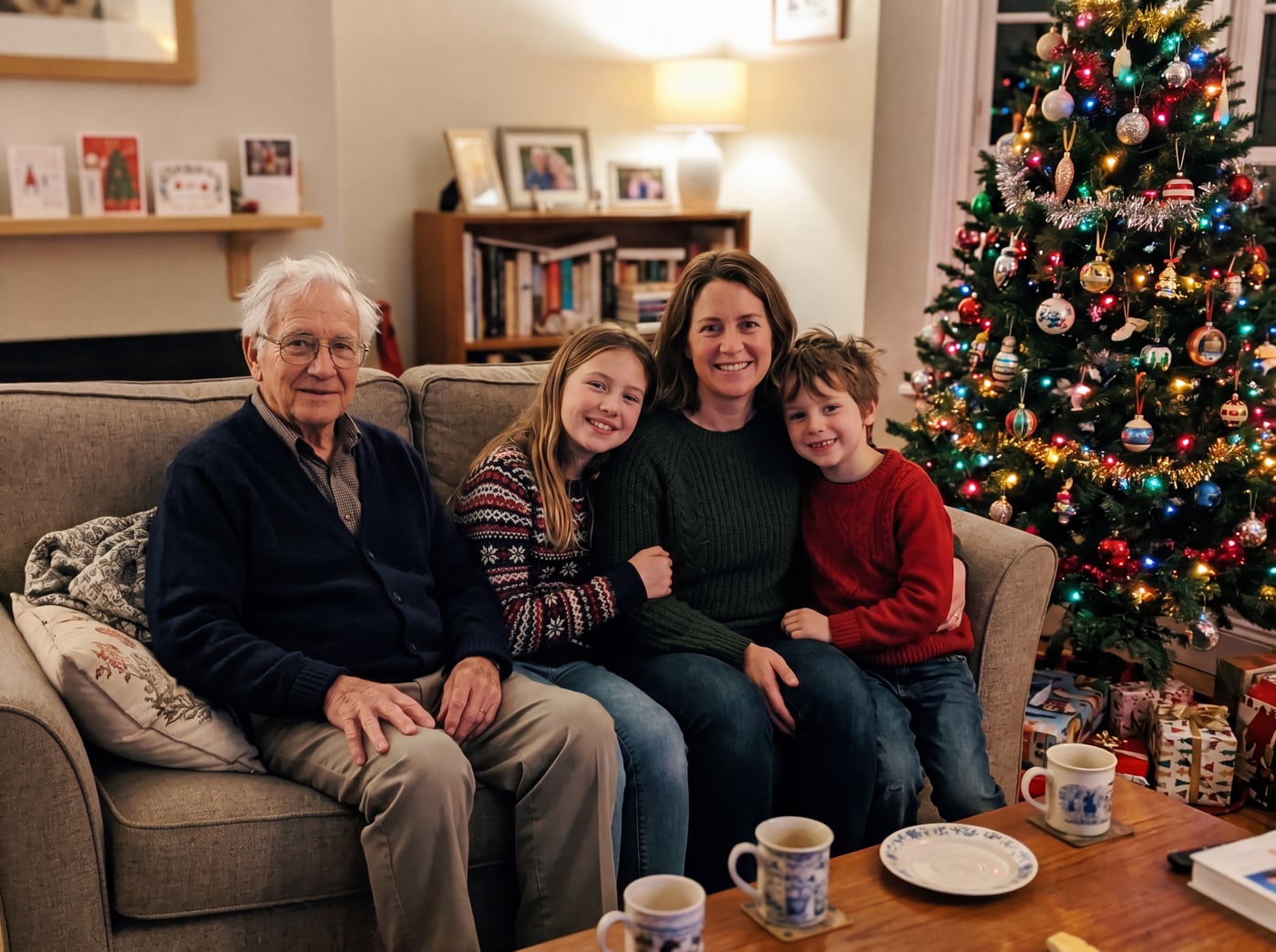 Finished picture
Try it free
The family photo
The picture you want them added to.
Photos of your loved one
A clear photo of their face. Two or three photos help.
Add a note (optional)
Anything that would help us get it right. You can leave this empty.
To see your preview, add: the family photo and photos of your loved one.
Free to try. You only pay if you want to keep the full-size picture.
App or web page: what is different
- No download, no update, and no storage used on your phone.
- The same page works on an iPhone, an Android phone, a tablet or a computer.
- You see a free preview before you decide to pay for anything.
- You pay for the picture you keep, one time, not a monthly plan.
How to use it
- Open the page in your browser.
- Upload your photo and one to three photos of the person.
- Write where they should stand.
- Look at the free preview, then keep the full-size picture if you like it.
When an app might suit you better
If you want to do many edits every day, such as retouching or filters, a full photo editor app is built for that. This page does one job: adding a person to a photo and making it look natural.
Photo tips
- For the person you are adding, pick a photo where their face is clear and well lit. Looking toward the camera works best.
- Two or three photos of them from different days help the picture look more like them.
- Old, faded or black-and-white photos are fine. The finished picture is in colour to match your photo.
- For the main photo, leave a little room where they would naturally stand or sit.
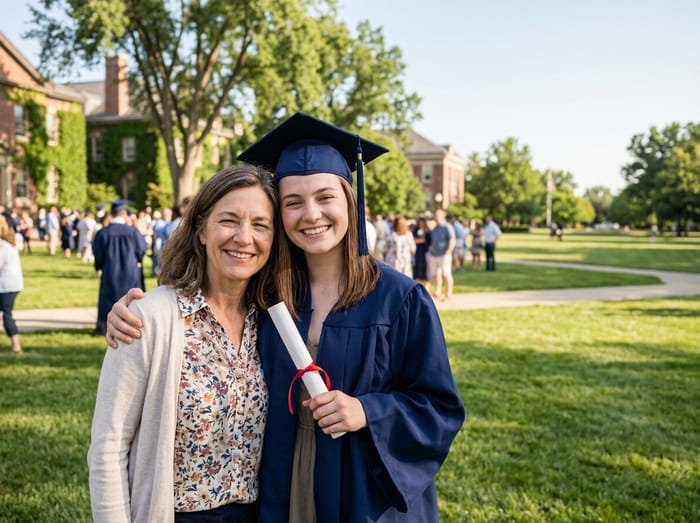 Graduation photo
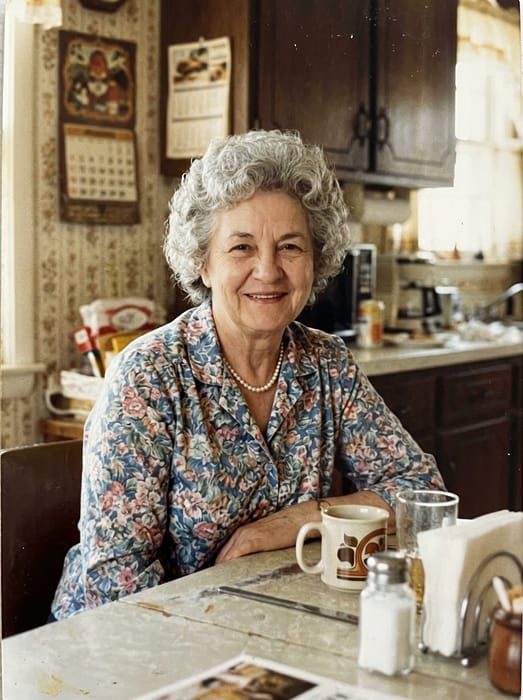 Grandma
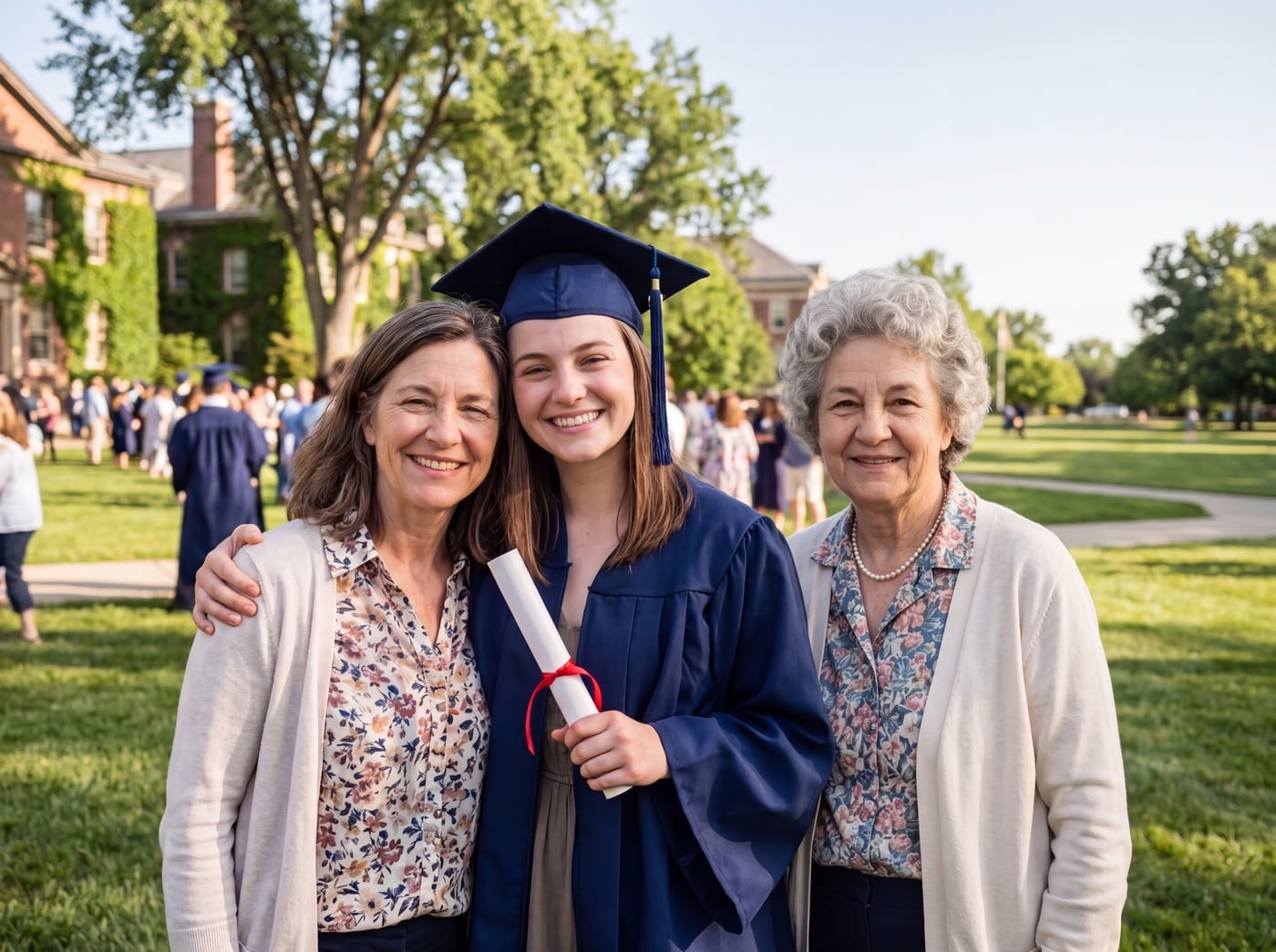 Finished picture
Questions
Is there an app I can download?
No. It is a web page that works in your browser, which is why there is nothing to install.
Is it free?
The preview is free. The clean, full-size picture costs from $6.99, or $14.99 for five.
Does it use a subscription?
No. You pay once for the pictures you keep.
Are my photos private?
Yes. Only you can see them on this site. They are never shared and never used to train anything.