Home / Add a person to a photo with AI
Add a person to a photo with AI
AI can place a person into a photo so they look like they were there, with the light and size matched. Upload your photo and a picture of them, write one sentence, and look at a free preview.
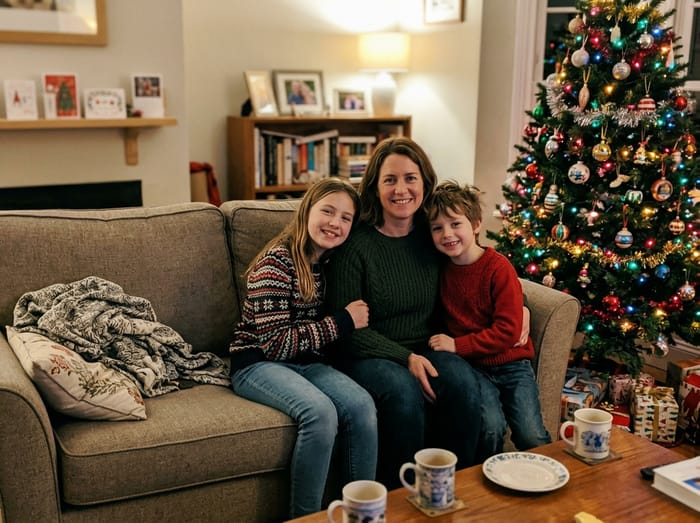 Christmas photo
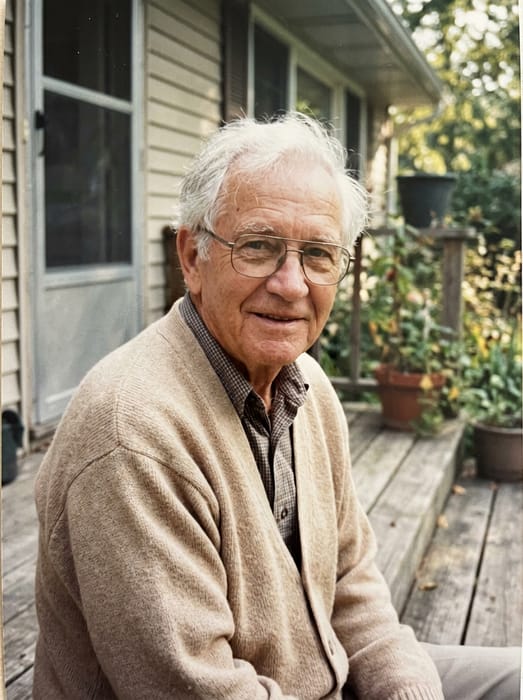 Grandpa
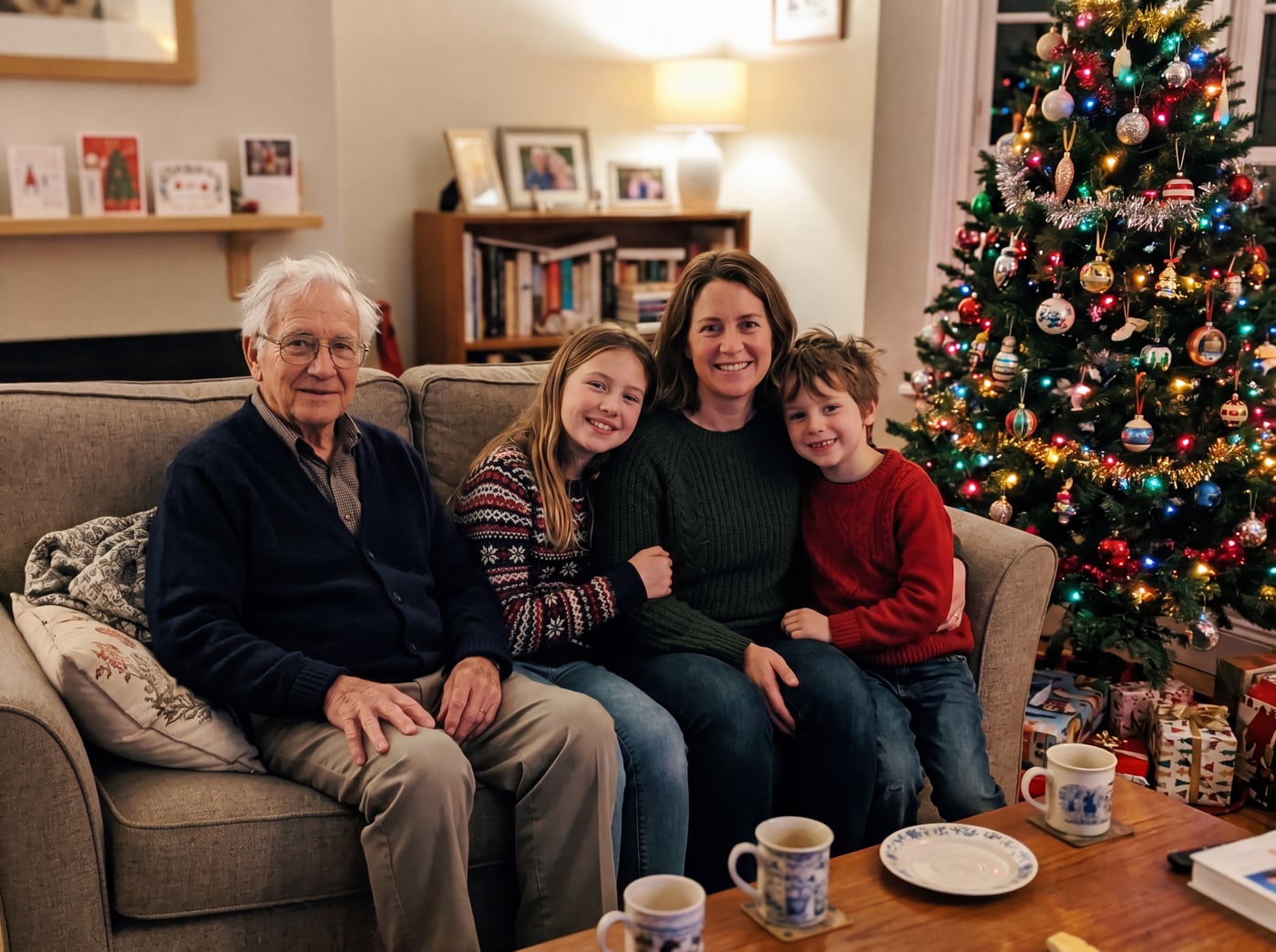 Finished picture
Try it free
The family photo
The picture you want them added to.
Photos of your loved one
A clear photo of their face. Two or three photos help.
Add a note (optional)
Anything that would help us get it right. You can leave this empty.
To see your preview, add: the family photo and photos of your loved one.
Free to try. You only pay if you want to keep the full-size picture.
What the AI does for you
- Matches their size and position to the people already in the photo.
- Matches the light, colour and shadows so they do not look pasted in.
- Keeps their face looking like them, using the photos you give it.
- Leaves everyone else in the picture unchanged.
What you do
- Upload the photo you want them added to.
- Upload one to three clear photos of the person.
- Describe where they should stand, like "next to the woman in the red coat".
- Check the preview. Say it differently and try again if you want a change.
What to expect
It is not perfect every time. Faces from small, blurry photos come out less like the person, so use your clearest picture. Because the preview is free, you can try a second wording before you decide.
The finished picture is made by AI, and we say so. We do not add effects like glow or wings. The person is shown as themselves.
Photo tips
- For the person you are adding, pick a photo where their face is clear and well lit. Looking toward the camera works best.
- Two or three photos of them from different days help the picture look more like them.
- Old, faded or black-and-white photos are fine. The finished picture is in colour to match your photo.
- For the main photo, leave a little room where they would naturally stand or sit.
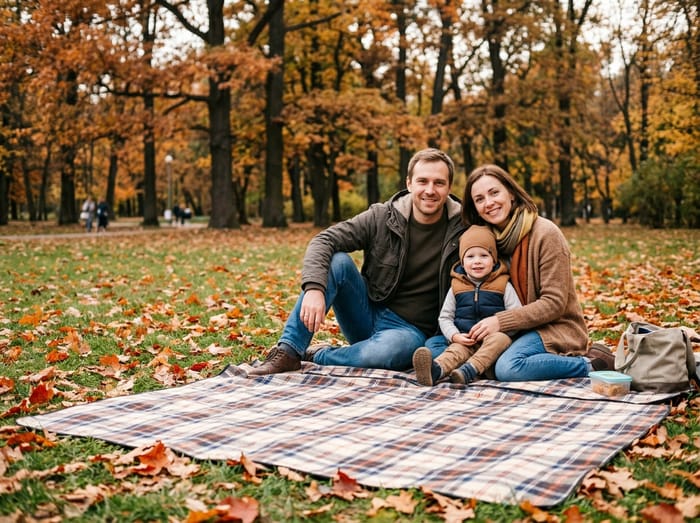 Family photo
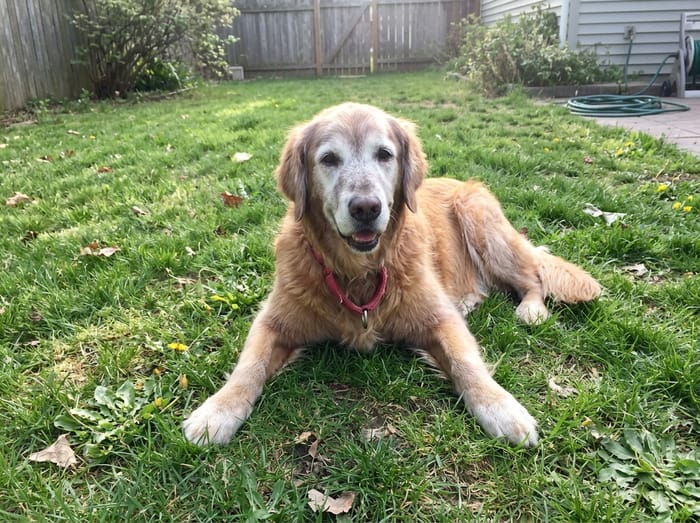 Their dog
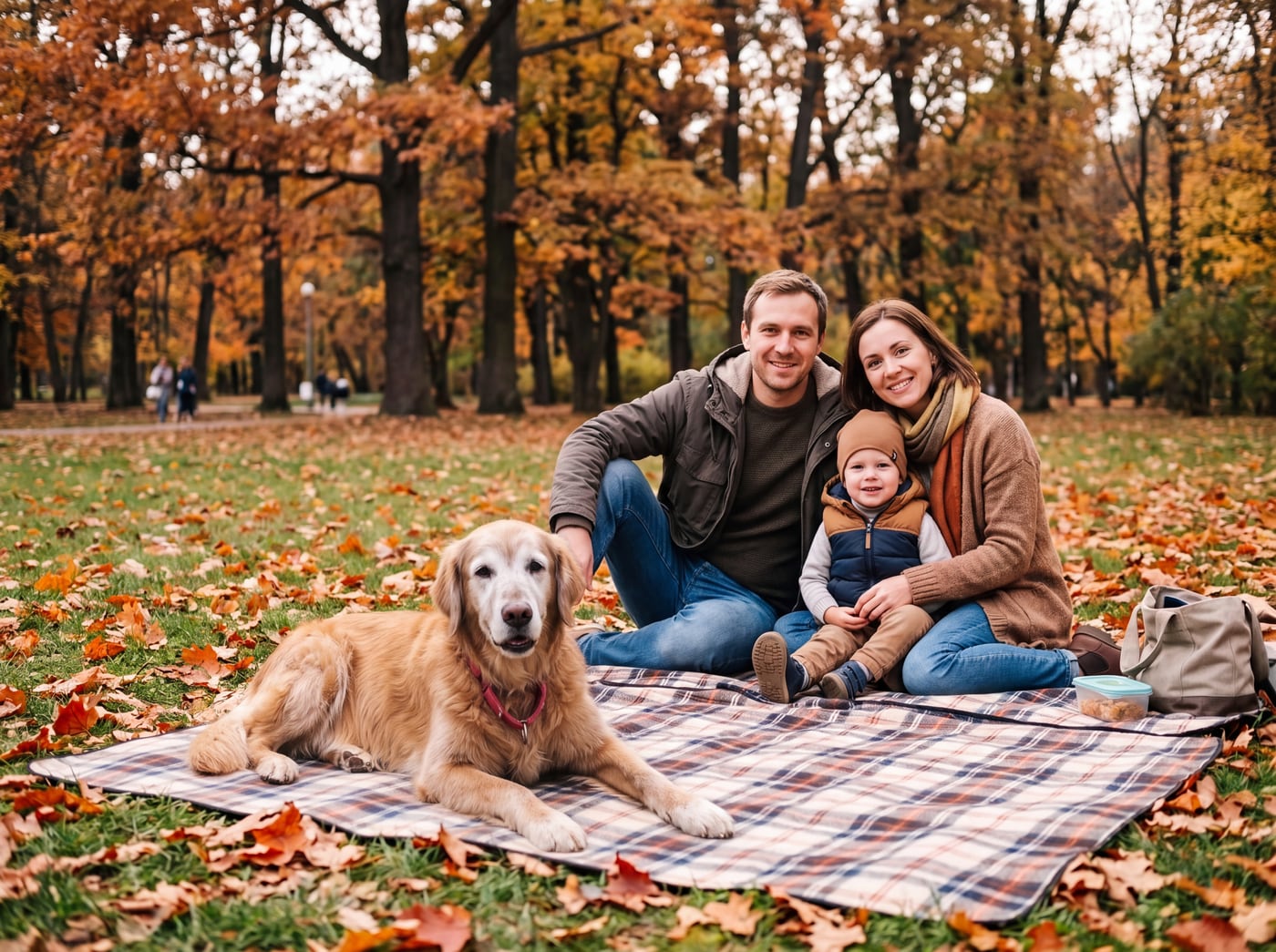 Finished picture
Questions
Do I need to know how to write prompts?
No. One plain sentence about where they should stand is enough.
Will the AI change the other people in my photo?
No. Only the person you add appears. No one else in the picture is changed.
What if the face does not look right?
Try a clearer or closer photo of them, or add a second photo from a different day. The preview is free, so you can try again.
Are my photos used to train AI?
No. Your photos are only used to make your picture. They are never shared and never used for training.