Home / Add Grandpa or Grandma to a family photo
Add Grandpa or Grandma to a family photo
The grandkids grew up. There was a graduation, a new baby, another Christmas. Put Grandpa or Grandma back in the picture with the family they loved.
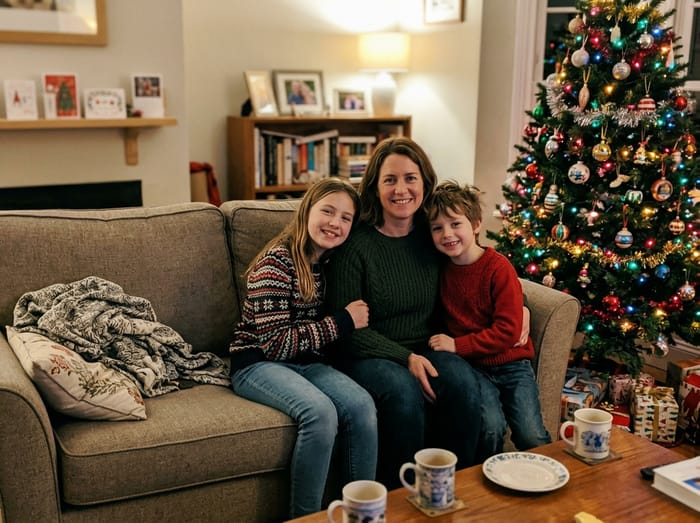 Christmas photo
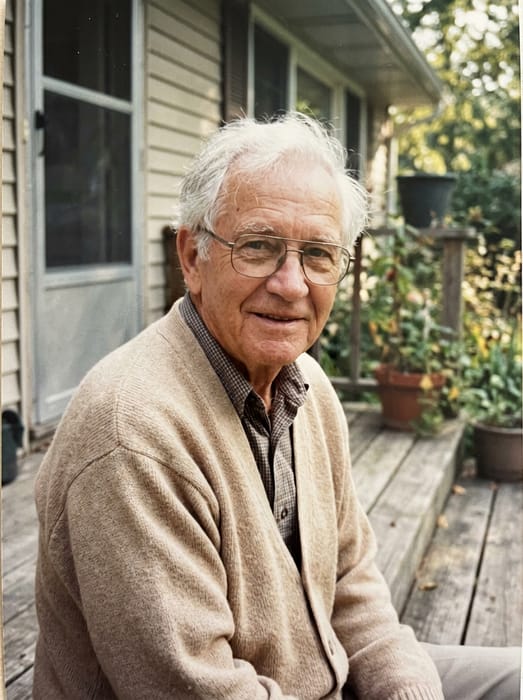 Grandpa
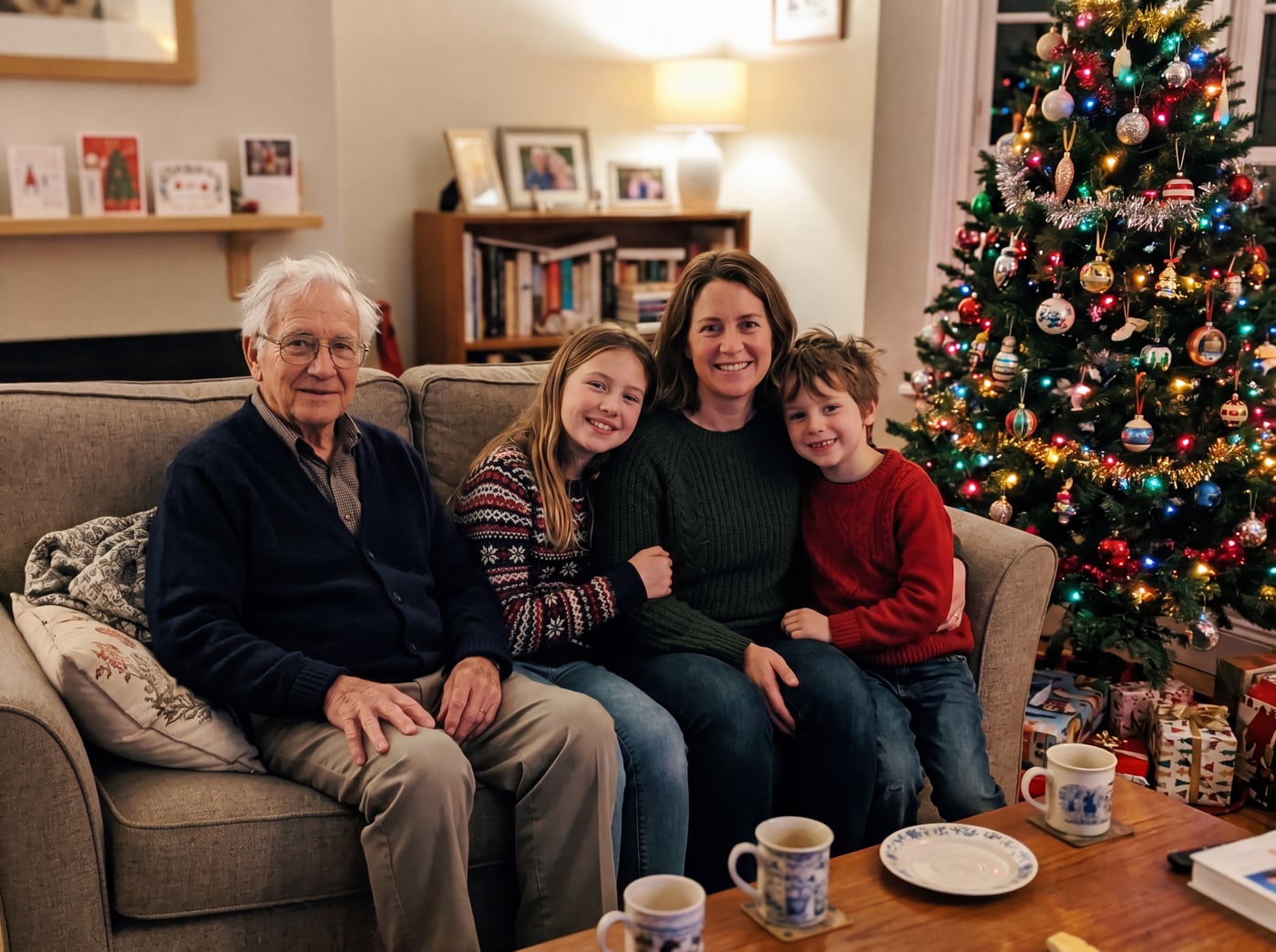 Finished picture
Try it free
The family photo
The picture you want them added to.
Photos of your loved one
A clear photo of their face. Two or three photos help.
Anything we should know?
You can leave this empty.
Free to try. You only pay if you want to keep the full-size picture.
Moments families ask for most
- The Christmas or Thanksgiving photo
- A grandchild’s graduation or wedding
- Holding a new great-grandchild
- The yearly family photo at the lake or the park
It still looks like them
We keep their face, their hair, their glasses. Add two or three photos of them and the likeness gets closer. They are shown at the age they were in your photos.
Photo tips
- For the person you are adding, pick a photo where their face is clear and well lit. Looking toward the camera works best.
- Two or three photos of them from different days help the picture look more like them.
- Old, faded or black-and-white photos are fine. The finished picture is in colour to match your family photo.
- For the family photo, leave a little room where they would naturally stand or sit.
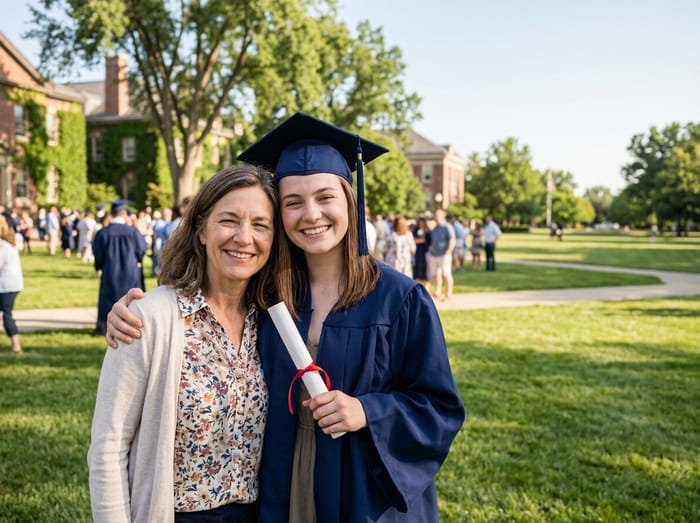 Graduation photo
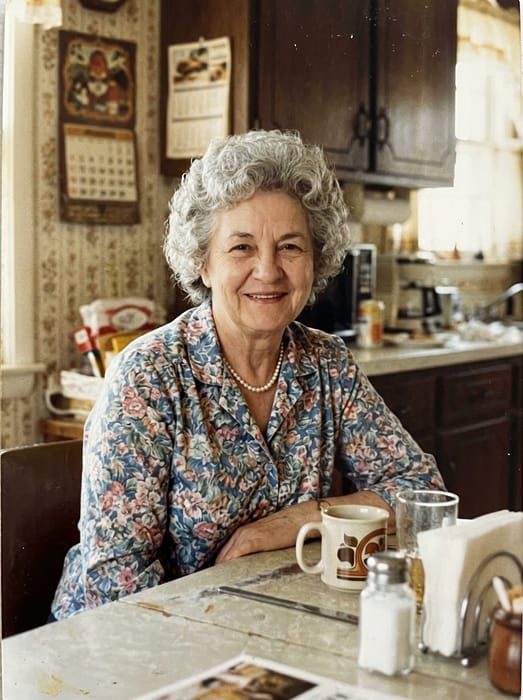 Grandma
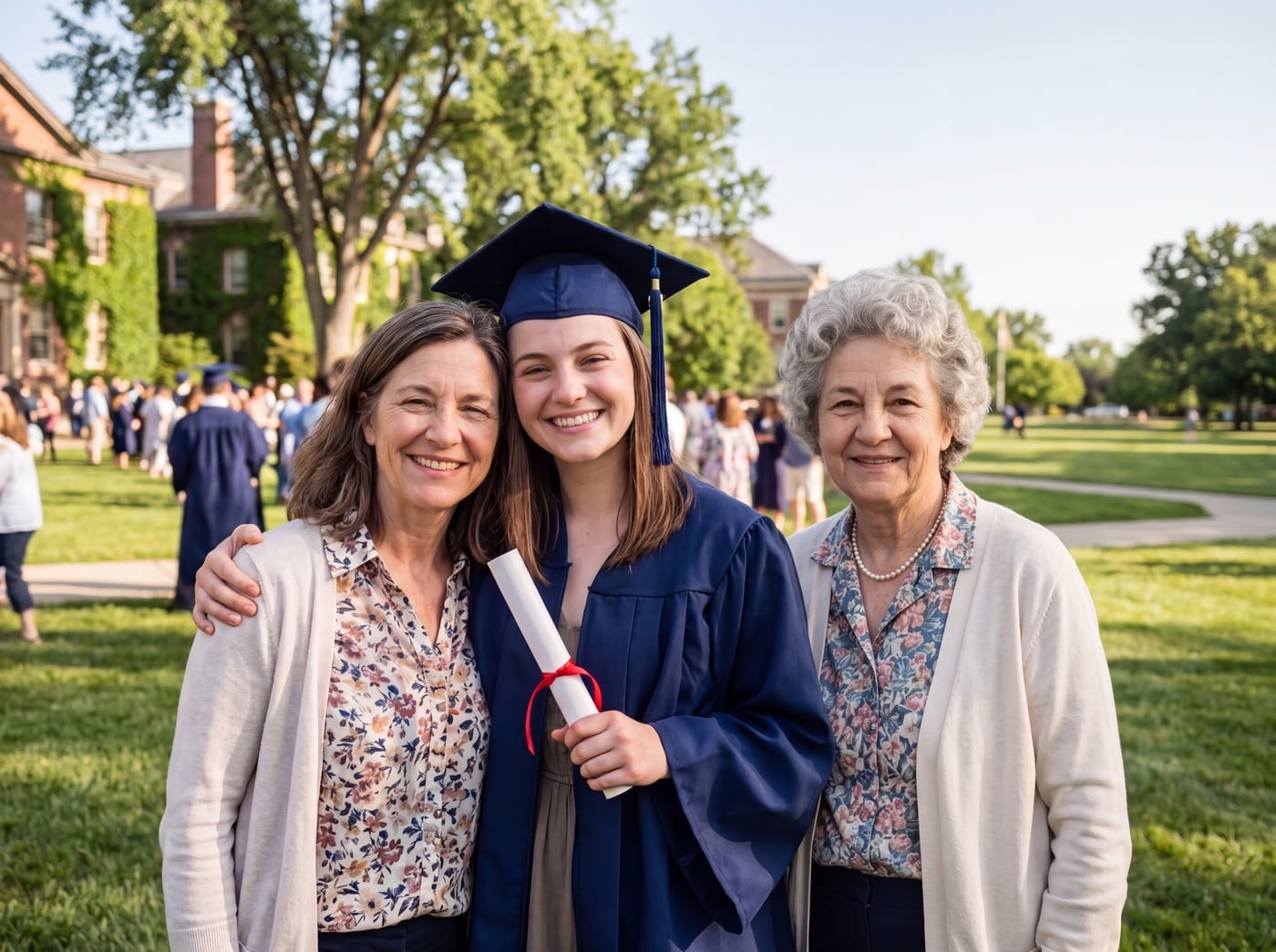 Finished picture
Questions
Can I use a very old photo of my grandparent?
Yes. Scans of old prints work well. If it is black and white, they will appear in colour to match your family photo.
Can I add both grandparents?
Add one at a time: download the first picture, then use it as the family photo and add the second. Or use "Make a new family portrait" to bring several separate photos together.
How long does it take?
Usually under a minute for the preview.